
Get Started with Eigent
Follow these simple steps to download, install, and start using Eigent to automate your workflows.
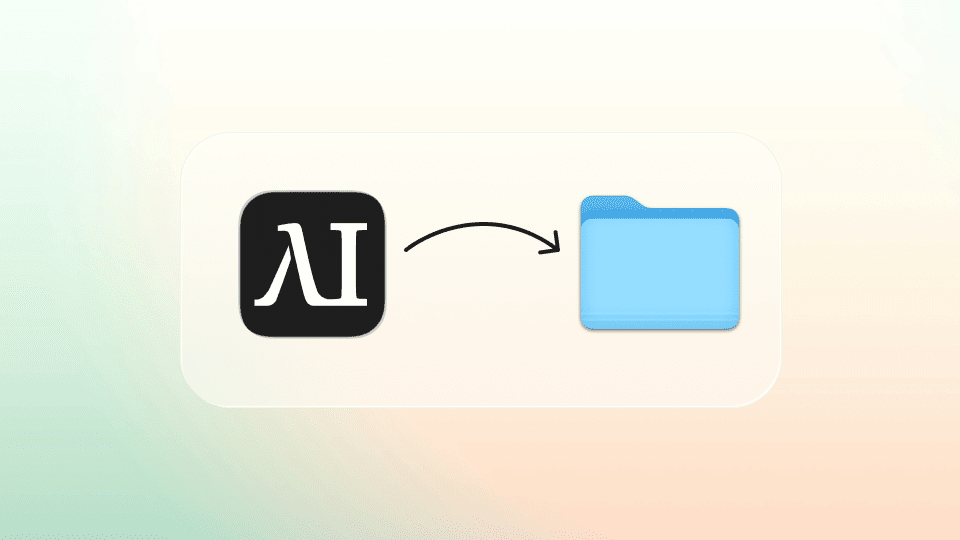
Drag the Eigent icon into your applications folder.
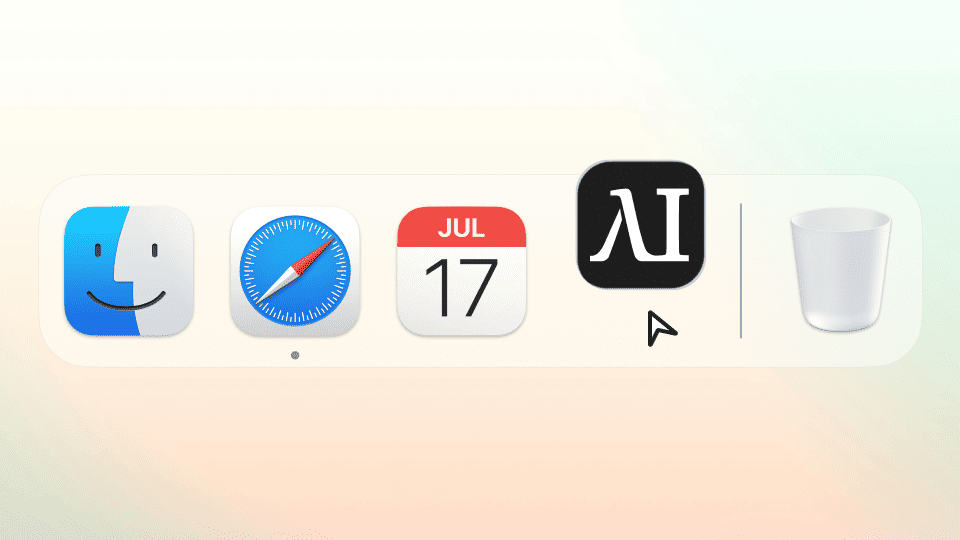
Open Eigent
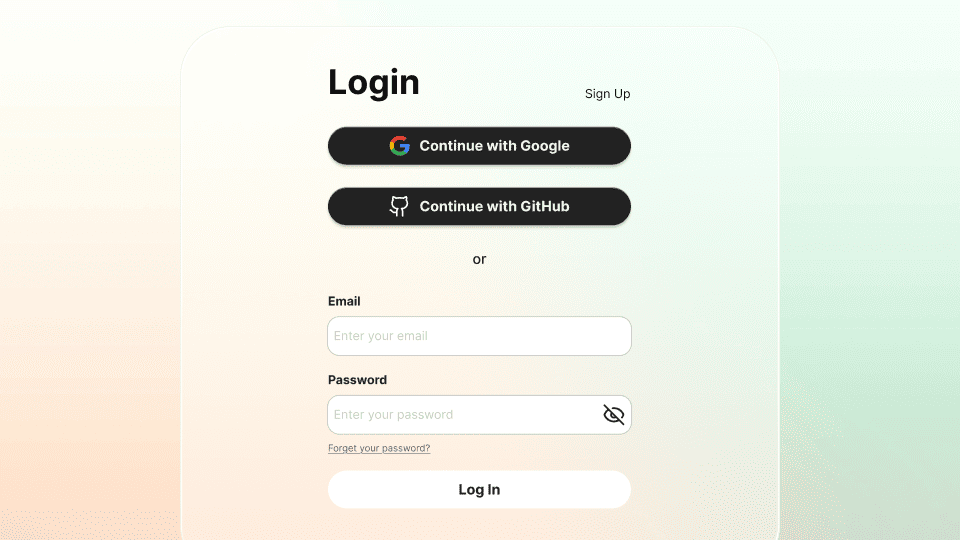
Log in using your Eigent Account
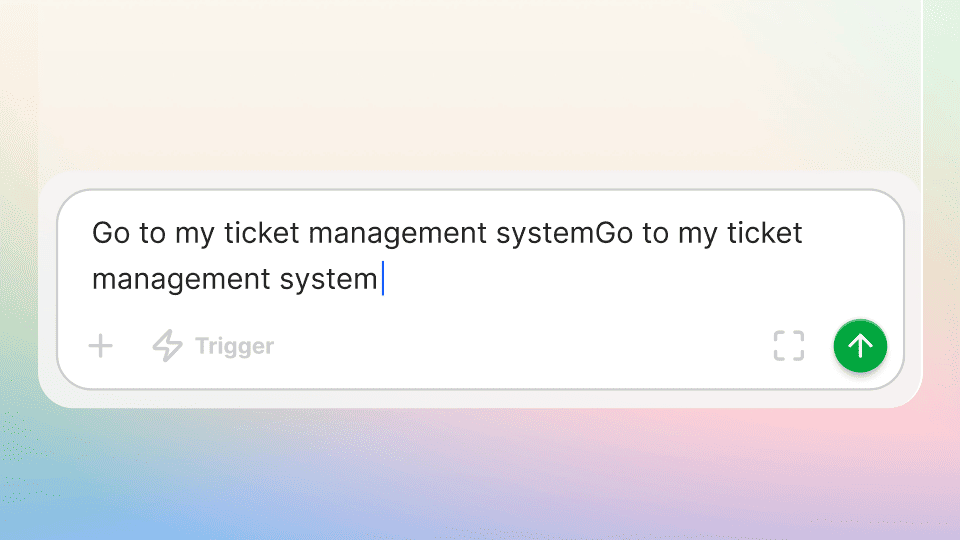
Run your first task to see how Eigent works


