

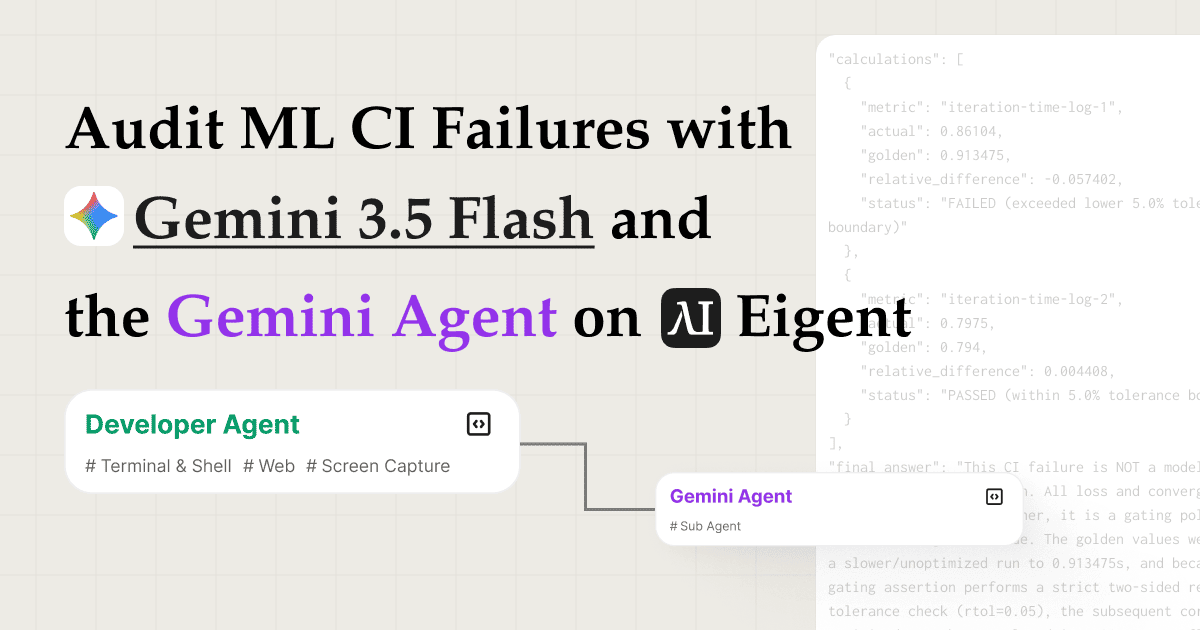
只需幾分鐘,用 Gemini 3.5 Flash 找出 ML CI 失敗的根因
除錯一條損壞的 ML training pipeline 是一項緩慢又繁瑣的工作。你要從兩次不同的 CI run 拉取日誌,與 golden values 做 diff,翻查 commit history 找出 regression,然後再撰寫報告解釋發生了什麼、為什麼會發生,而你的團隊還在等待。這個 use case 會把整個調查流程自動化。
透過結合 ml-failure-audit skill 與 Google 的 Gemini 3.5 Flash model,並以 Gemini Agent API 作為遠端推理引擎,Eigent 的多 agent 團隊可以端到端審核一宗 CI failure:抓取日誌、提取參考數值、追蹤證據、委派重度分析,並生成結構化交付成果,而且全部都只需一個 prompt。
將 Gemini 3.5 Flash 選為你的模型
前往 Settings → Agents → Model,並從雲端模型清單中選擇 Gemini 3.5 Flash。如果你偏好使用自己的 API 憑證,可以在 Settings → API Keys → Gemini 底下輸入自己的 Gemini key。
Gemini 3.5 Flash 針對長上下文任務的快速、具成本效益推理而優化,這正正是 CI 日誌分析所需要的。
啟用 Gemini Agent API 作為遠端 Sub Agent
前往 Settings → Agents → Remote Agents 並開啟 Gemini Agent API。這會把 Gemini Agent 註冊為 Eigent 團隊內可呼叫的 sub agent。
啟用後,你的 Developer Agent 可以把計算密集型推理任務,例如跨過數百行日誌的根因分析,直接交由 Gemini Agent 處理,而不是把所有事情都塞進單次 model call。這樣你就會有雙層架構:Eigent 的本地 agents 負責 orchestration(編排)和工具使用,而 Gemini Agent 負責深度推理。
上傳 ml-failure-audit Skill
前往 Settings → Agents → Skills,並上傳 ml-failure-audit skill package。你亦可以瀏覽 Skill Hub: ml-failure-audit 查看 skill 詳情和安裝步驟。這個 skill 定義了 Eigent 應如何處理 CI failure 審核:要收集哪些 artifacts、要執行哪些比較、要蒐集哪些證據,以及如何結構化最終報告。
上傳後,團隊中的任何 agent 都可以在處理 ML 審核任務時調用這個 skill。
將你的任務交給 Eigent
完成所有設定後,將你的 task prompt 輸入 Eigent 的 chat:
Follow the {{ml-failure-audit}} skill, and use remote sub agent to finish complex subtasks.
Please audit this Megatron-LM MIMO VLM pretraining golden metric CI failure. I am giving you a local NVIDIA/Megatron-LM checkout at commit <your-commit-sha> and the CI artifacts I attached (for example, passing and failing run logs). The failing workload is an 8-GPU frozen start convergence check using sequence packing, global batch size 32, total packed sequence length 3200, packing buffer 4, and 100 training iterations.
Please decide whether the failure is a real model convergence/correctness regression or a metric/gating policy issue. Use the repo's golden value comparison code and the CI logs as evidence. Do not rerun GPU training.
Produce answer.json in the repo root with source_refs, extracted_facts, calculations, final_answer, and validation. Also produce a concise answer.md.
Include the repository URL, your target commit checkout, and attach the CI artifacts you want compared. Eigent immediately begins planning the investigation.
在執行此 prompt 前,請先安裝 ml-failure-audit skill。
**帶上你自己的輸入:**把 <your-commit-sha> 換成你想審核的 commit,將該 revision checkout 到你的 workspace,並附上你自己的 CI artifacts(例如 pass 與 fail 的 run logs、stderr captures,或匯出的 CI job output)。你可以把 Megatron-LM 的例子改用於任何你正在調查的 repo 和 failure。
Coordinator Agent 規劃並分派任務
Eigent 的 Coordinator Agent 會讀取 prompt,並將其拆解成一個結構化審核計劃。它會識別關鍵階段(抓取日誌、提取資料、追蹤證據、以及生成報告),然後把整個調查分派給 Developer Agent。
Coordinator 不只是盲目分派:它會把 skill 參考、repo context,以及 CI 日誌 artifacts 一併傳遞下去,讓 Developer Agent 一開始就具備所需的一切。
Developer Agent 載入 Skill 並抓取日誌
Developer Agent 的第一步是載入 ml-failure-audit skill,閱讀其指引以理解審核方法。
然後它會並行執行 4 個 commands 來抓取 CI 日誌資料,同時提取兩份 failure logs 以及任何相關 metadata。平行工具執行意味著資料收集階段只需順序執行的一小部分時間即可完成。
提取 Golden Values 並追蹤 Fix Commit
在取得日誌後,Developer Agent 會執行一段 Python script 來提取 golden reference values:即一次成功 CI run 應產生的預期訓練指標、loss curves 或 benchmark 數值。然後它會將這些數值與失敗日誌中記錄的值做 diff,以準確找出差異出現在哪裡,以及偏離了多少。
接著,Developer Agent 會搜尋 Megatron-LM 的 commit history,找出 fix commit,也就是最有可能導致 regression 的特定 code change。這個 commit 會成為審核報告中的具體證據,讓審閱者可以直接連結觀察到的 failure 與背後的 code change。
將深度推理委派給 Gemini Agent
當原始證據已經彙整完成(log diffs、golden value comparisons,以及已追蹤到的 commit),Developer Agent 會呼叫 Gemini Agent 來執行最費推理的步驟。
Gemini Agent 會分析完整 context:code 發生了什麼改動、該改動如何影響 training 行為,以及最有可能的根因是什麼。數分鐘後,它會回傳一份完整、結構化的審核報告,涵蓋 failure 診斷、促成因素,以及建議修正。
Developer Agent 撰寫最終審核報告
Developer Agent 會根據 Gemini Agent 的分析,在 workspace 中寫入兩份交付成果:
-
answer.json:一份 machine readable 的審核記錄,包含 failure type、root cause、受影響的 metrics、evidence commit,以及建議的解決方案等結構化欄位。適合自動化流程、ticket system 或 CI dashboard 使用。 -
answer.md:一份簡潔、human readable 的審核摘要,說明發生了什麼失敗、為什麼失敗、證據是什麼,以及下一步應該怎樣做。可直接貼到 PR comment、Slack thread 或 incident report。
兩個檔案都會直接寫入 workspace folder,並可立即存取。
為什麼這個工作流程重要
ML CI failures 一向非常難 debug,因為訊號被埋在密集的 log output 中,而根因往往位於症狀出現前好幾個 commit。這個工作流程透過三項協同運作的能力來解決這個問題:
- Parallel log retrieval 消除了逐個抓取 artifacts 的順序瓶頸。
- Python based golden value extraction 使用精確的數值比較,而不是依賴 pattern matching 或人工檢查。
- Gemini Agent 作為 reasoning sub agent 把最複雜的推理步驟卸載到一個為此優化的 model,同時保持 orchestration 輕量、分析深入。
結果是,一項原本需要工程師 30–60 分鐘專注工作的根因審核,現在只需幾分鐘便可完成,而且還附有結構化的 artifact trail。
下一步可以試什麼
完成你的第一次審核後,可用以下 follow up prompts 擴展工作流程:
Run the same audit against the three most recent CI failures and compare the root causes.
After finding the fix commit, open a GitHub issue with the audit report pre filled.
Schedule a nightly trigger to audit any new CI failures and post the answer.md to Slack.
Swap in a different model, try Gemini 3.5 Pro for deeper analysis or Gemini Flash Lite for faster turnaround.
取得更好結果的提示
- 明確附上你的 CI artifacts。 ml-failure-audit skill 在你提供 commit checkout 以及想要比較的 logs 或 exports 時表現最佳(例如,一次成功 run 和一次失敗 run)。
- 包含 repo URL。 Developer Agent 會用它來在 commit history 中搜尋 fix commit。直接連到 repository 可節省一次搜尋步驟。
- 指定輸出檔案。 要求同時產生
answer.json和answer.md,會讓 Developer Agent 同時輸出兩種格式;如果你需要給 CI pipeline 使用的 machine readable output,以及供團隊閱讀的 human readable output,這會很有用。 - 把 Gemini Agent 用於重度推理任務。 當 local agents 負責資料收集,而 Gemini Agent 負責綜合分析時,remote sub agent 模式效果最好。不要把它用在本地 tool use 可以更快完成的簡單查詢上。





