

logo
  • 環境
  • 企業方案
  • 價格
DeveloperMay 20, 2026

Automate Monthly Dev Reports with DeepSeek via Ollama

Douglas LaiDouglas Lai
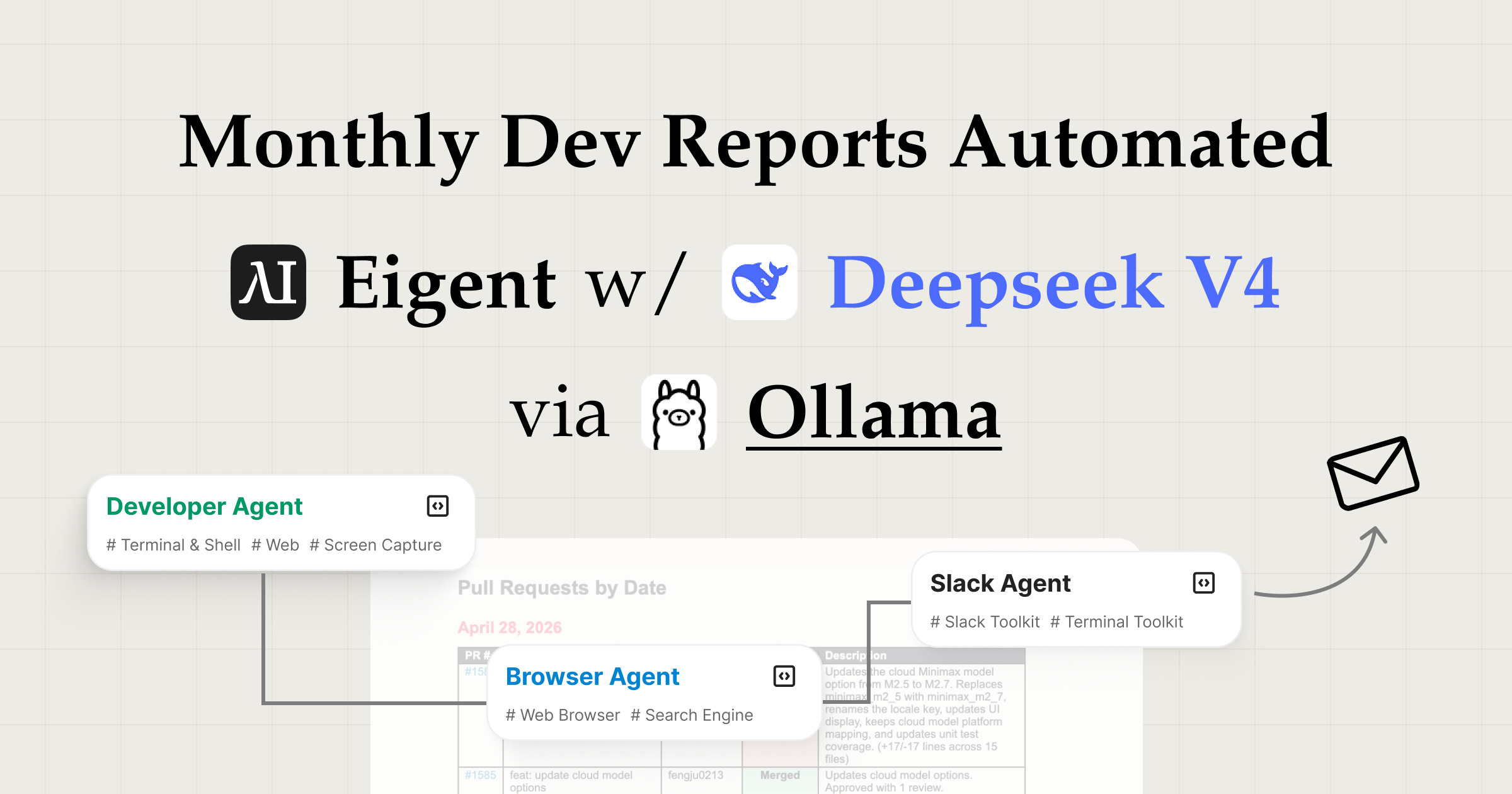
Monthly Dev Reports Automated: Eigent with DeepSeek V4 Pro via Ollama
Automate Everything with
AI Workforce on Desktop
Download Eigent

Stop Writing Monthly Dev Reports by Hand — Automate Them with Eigent and Ollama Cloud

Most engineering teams spend 30–60 minutes every month doing the same thing: logging into GitHub, scrolling through merged PRs, copying titles into a document, writing summaries, formatting the layout, drafting a Slack post, and finally hitting send. It's important work that nobody enjoys.

Monthly dev report automation with Eigent eliminates that entire routine. Using DeepSeek V4 Pro served through Ollama Cloud, Eigent pulls last month's merged pull requests from your GitHub repository, compiles a structured Word document summary, and posts the report directly to your Slack channel — all from a single prompt. Ollama Cloud gives you on-demand access to DeepSeek's frontier reasoning model without any local hardware setup, making this workflow available to any team member regardless of their machine specs.

This guide walks through every step of the workflow exactly as it runs in the demo.

1Connect DeepSeek V4 Pro via Ollama Cloud

The foundation of this automated engineering report workflow is DeepSeek V4 Pro running on Ollama Cloud — no local installation, no GPU required. Sign in to ollama.ai and generate an API key from your account dashboard.

In Eigent's model settings, set the model provider to Ollama, enter your Ollama Cloud API key, and select deepseek-v4-pro:cloud as the active model. Eigent will route all inference requests to Ollama's cloud infrastructure, giving you access to DeepSeek's full parameter count without needing to run anything locally.

2Create a New Worker with the Slack Tool

Before running the task, create a dedicated worker in Eigent and equip it with the Slack tool. In the Eigent workspace, add a new worker and open its tool configuration. Enable the Slack tool and authenticate with your Slack workspace — this grants the worker permission to read channels and post messages on your behalf.

Once the Slack tool is connected, this worker is ready to handle the final delivery step: drafting and sending the monthly report message to your product-release channel. Separating this into its own worker keeps the workflow modular — the browser agent handles GitHub, and the Slack worker handles distribution.

3Give Eigent the Prompt

The task is described in plain language:

Check the repo's PR updates from last month at https://github.com/eigent-ai/eigent, write a clear monthly summary as a Word document. Once it's done, draft a Slack message and send it to my product-release Slack channel with the summary document.

That single prompt is all Eigent needs. You can extend it to narrow the scope ("only include PRs merged after May 1"), request a specific grouping ("organise by feature area, not by author"), or ask for callouts ("flag any PR marked as a breaking change"). The more context you provide, the more tailored the output.

4Browser Agent Opens GitHub and Reviews the PRs

Eigent's browser agent takes over and opens GitHub directly in a browser window. It navigates to the repository's Pull Requests page, applies the merged filter, and scrolls through the PR list to find all the relevant entries from last month.

For each PR that meets the criteria, the agent clicks in to open it, reads the title, description, author, merge date, and any labels or linked milestones, then moves on to the next one. The entire browsing session — opening tabs, scrolling, clicking, reading — happens visibly in the browser, just as a human reviewer would do it, only without the fatigue.

Once all the required PRs have been reviewed, the agent hands the collected data off for report generation.

5Generating the Monthly Dev Report Document

With the raw PR data collected, Eigent structures it into a coherent narrative. It identifies themes across the changes — new features, bug fixes, infrastructure work — and drafts readable prose around them rather than just printing a list of titles.

The output is a .docx Word document saved to your desktop. The default structure includes:

  • Executive Summary — a short paragraph capturing the month's most significant developments
  • Feature Releases — new user-facing capabilities that shipped
  • Bug Fixes & Improvements — stability, performance, and reliability work
  • Infrastructure & Tooling — internal changes, dependency updates, CI/CD improvements
  • Contributors — recognition of everyone who merged code this month

Every section is formatted for readability and ready to share with engineering leads, product managers, or the broader team.

6Drafting and Sending the Slack Report

Once the Word document is complete, Eigent drafts a concise Slack message — written for a busy channel where people skim rather than read. The message summarises the month's highlights in a few tight sentences or bullet points and links directly to the full .docx report.

Eigent then posts the message to your configured product-release Slack channel. You can review the draft before it sends, or refine the tone on the spot:

Make the Slack message punchier — bullet points only, drop the intro paragraph.

Add a thank-you line at the top for the contributors this month.

The message and the document go out together, giving your team a fast skim and a deep-dive in one go.

7Why This Workflow Matters for Engineering Teams

Manual monthly reporting is a solved problem that most teams haven't automated yet. The friction is real: you need to remember to do it, find time in a busy schedule, maintain a consistent format, and then distribute it somewhere people will actually read it.

Automated engineering reports with Eigent remove all of that friction. The workflow is consistent — same structure, same format, same distribution channel every month. It's fast — the entire pipeline runs in minutes, not an hour. And because DeepSeek V4 Pro is served through Ollama Cloud, there's no hardware barrier: anyone on the team can trigger the workflow from any machine, without needing a local GPU or a complex model installation.

Ollama Cloud also means the model is always available, always up-to-date, and scales to handle longer PR histories or larger repositories without choking on memory. The result is a reporting habit that actually sticks, because the effort required to maintain it is near zero.

8What to Try Next

Schedule this workflow to run automatically on the first working day of every month.

Run the same prompt across three different repositories and combine the results into a single cross-team report.

Add a section that flags PRs labelled "breaking change" so stakeholders see the risks upfront.

Generate the same report in English and Japanese for distributed teams.

Compare this month's PR volume and themes to last month's and have Eigent write a brief velocity commentary.

Use the completed .docx as input for Eigent to create a presentation slide deck for the sprint review.

9Tips for Better Results

  • Be explicit about the date range. Eigent defaults to the past 30 days, but if your reporting month doesn't align with a rolling window, specify exact dates — "PRs merged between May 1 and May 31" — for a precise cut.

  • Invest in good PR descriptions. The quality of the generated summary is directly tied to the quality of your PR titles and descriptions. Teams that write clear, descriptive PR titles get more useful reports without any extra prompt engineering.

  • Customise the document sections. Tell Eigent which sections matter to your audience: "skip the Infrastructure section" or "add a Risks & Blockers section" to match the format your stakeholders already expect.

  • Use Ollama Cloud for consistent results across the team. Because the model runs on Ollama's infrastructure rather than individual machines, everyone on the team gets the same model version and performance — no discrepancies from different local setups or hardware differences.

  • Pair with Eigent's scheduling skill. Set up the prompt as a recurring scheduled task so the report drafts and posts itself — no calendar reminder needed, no manual trigger required every month.

Other use cases

Long-Horizon Task: GLM-5.1 vs GLM-5.2 on Eigent

Long-Horizon Task: GLM-5.1 vs GLM-5.2 on Eigent

Do a deep-dive research on 26 companies in the AI infrastructure ecosystem — the most certain main thread of the entire AI value chain. Cover these 6 sub-sectors (pick representative companies in each, from large-cap leaders down to smaller players): AI Data Center (compute infrastructure / build-out); GPU / AI Chips (training & inference silicon, ASICs, IP); Servers, Networking & Optical Modules (switches, NICs, optical interconnect); Power, Liquid Cooling & Energy Storage (power supply, thermal, energy management); AI Cloud / Compute Platform (hyperscalers, GPU clouds, compute-rental platforms); Supporting Ecosystem (HBM / advanced packaging, foundry, connectors & other critical components). For each company, research: company name, sub-sector, HQ / country; core products and its specific role in the AI chain; public or private (ticker + exchange if listed; if private, note latest valuation / funding round); market cap or valuation size (used for ranking); positioning and moat in the ecosystem (1–2 sentences); key customers / competitors. Ordering: within each sub-sector, rank from largest to smallest (by market cap / valuation). Structure the whole thing top-down: from the full hardware-ecosystem landscape → down to each individual company. Output requirements: First, generate a structured data file ai_infra_data.json — containing all 26 companies with the fields above, the 6 sub-sector classifications, a public/private flag, and a cross-company comparison matrix (sub-sector × key dimensions). Then generate a polished HTML report from that JSON: include an ecosystem landscape / layered diagram, sector sections, company cards, a clear visual indicator for public vs. private (tags or color coding), a market-cap ranking chart, and a sortable/filterable comparison table. Make the design professional, information-dense, and interactive. Verify the research data for accuracy first (listing status, tickers, valuations — use the latest figures and cite sources), then generate the report. Send the task in single-agent mode.

Build 10 Chinese New Year HTML5 Games with Eigent

Build 10 Chinese New Year HTML5 Games with Eigent

Build 10 separate and COMPLETE games with topics related to 2026 Chinese New Year (Horse) in HTML, CSS and JS (no libraries). Games must be fun, original, polished, mobile-friendly. Include scoring, scaling difficulty, restart buttons, and smooth visuals. Cover: arcade, puzzle, endless runner, reaction, strategy, memory, 2-player local, idle, retro pixel, and 1 experimental game.

Build a 3D Snow Bros Platformer with Gemini 3.1 Pro

Build a 3D Snow Bros Platformer with Gemini 3.1 Pro

Create a modern 3D side-scrolling platformer inspired by Mario, combined with Snow Bros mechanics. The player can shoot snow projectiles to freeze monsters into snowballs, then kick them to chain into other enemies. Include a scoring system, lives display, scaling difficulty, and a restart function with rich 3D layered environments.

Automate everything with AI workforce on desktop
Download Eigent

立即試用 Eigent

下載開源桌面 app。你的 AI workforce,直接在你電腦上運行。

下載 Eigent
Eigent

獲取 AI workforce 自動化的最新更新、教學與版本消息。

產品Eigent環境定價企業方案
探索解決方案使用案例技能外掛網誌
開發者文件GitHubCAMEL-AIOpen Source Fund合作夥伴
下載適用於開源版
公司關於我們品牌招聘使用條款私隱政策安全與信任Cookie 政策退款與試用政策

版權所有 © 2026 EIGENT UK LTD

Eigent 1.0 新版本已發佈!download


