logo
  • Environments
  • Enterprise
  • Pricing

Get Started with Eigent

Follow these simple steps to download, install, and start using Eigent to automate your workflows.
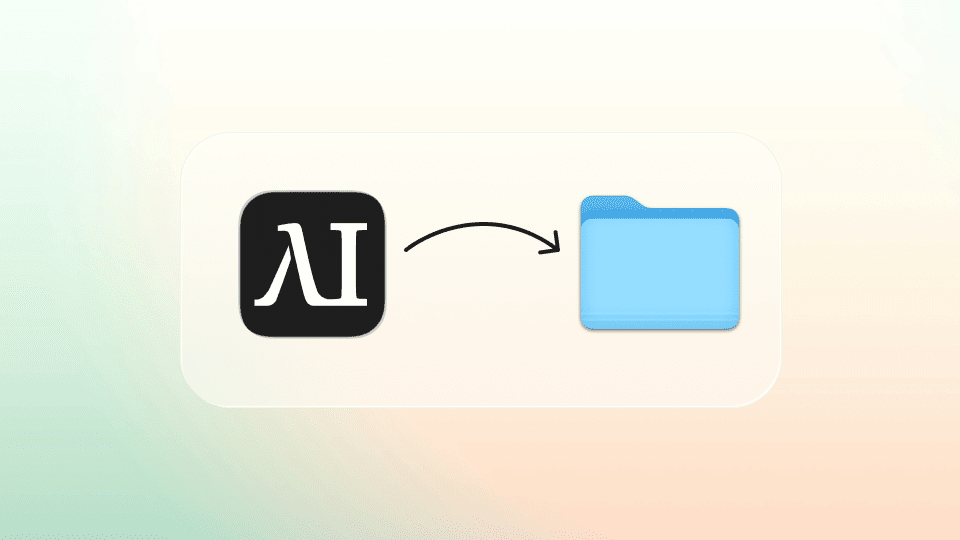
Step 1: Drag the Eigent icon into your applications folder

Drag the Eigent icon into your applications folder.
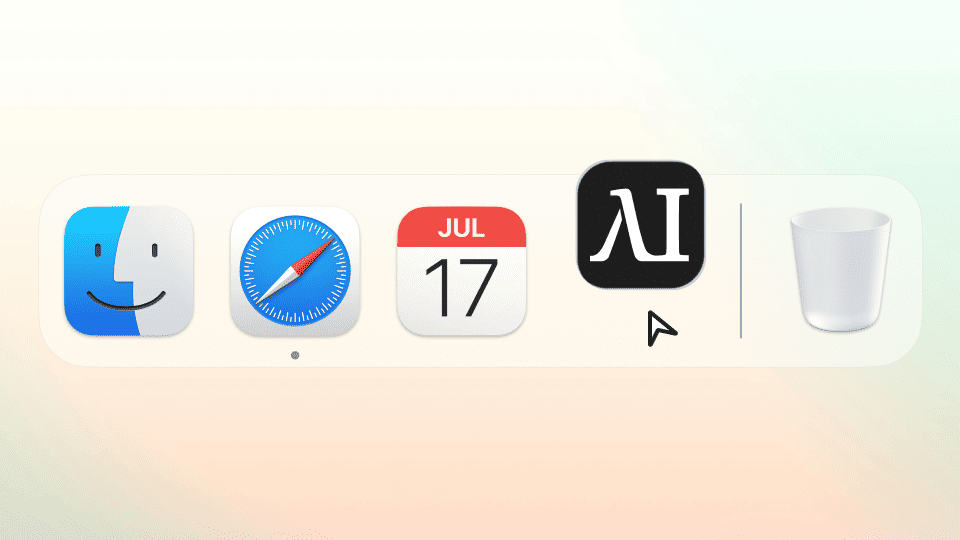
Step 2: Open Eigent application

Open Eigent

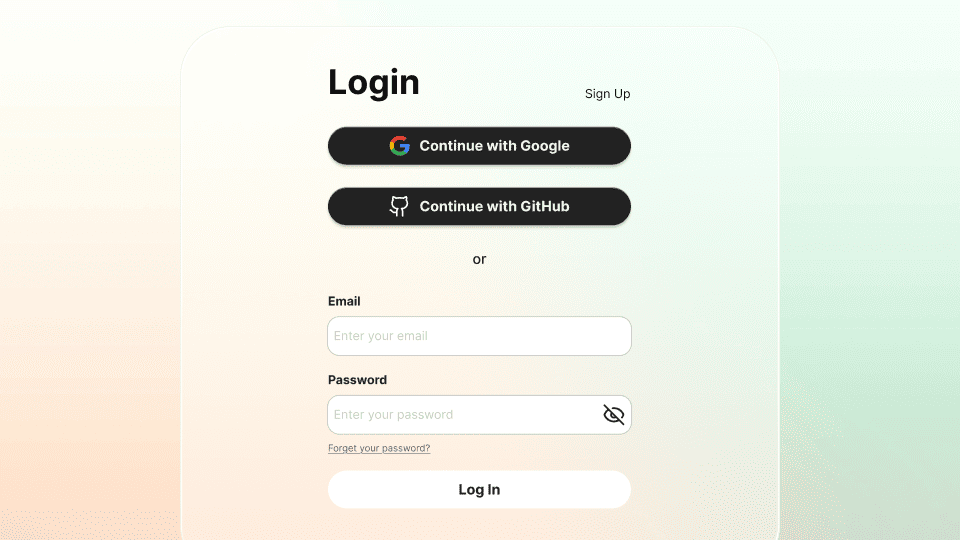
Step 3: Log in using your Eigent Account

Log in using your Eigent Account

Step 4: Allow privacy Settings

Allow privacy Settings (Privacy Policy)

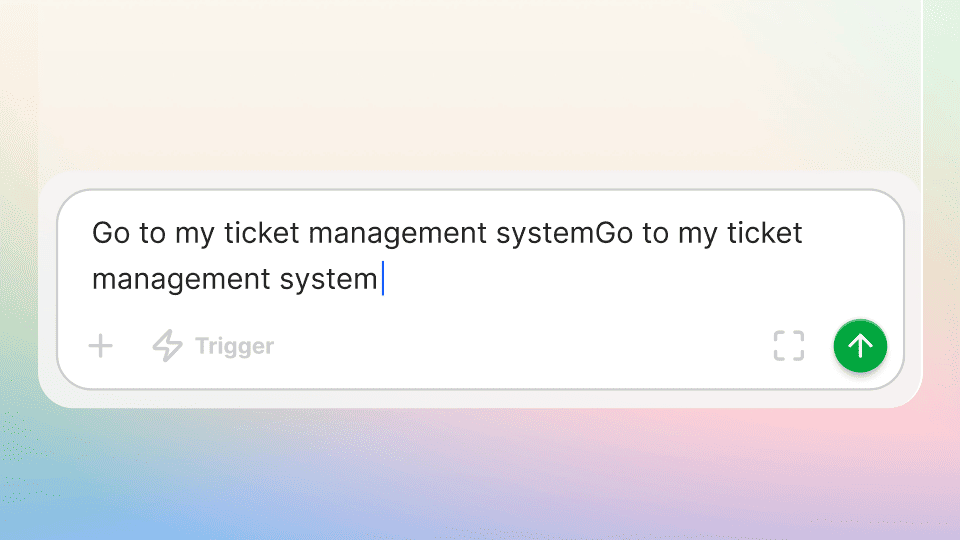
Step 5: Run your first task to see how Eigent works

Run your first task to see how Eigent work

Step 6: Manage your tasks, your tools, your model in dashboard

Manage your tasks, your tools, your model in dashboard

Open Source Cowork Desktop

100% open source - host it yourself, free, with your own API keys or local models.

Eigent

Get the latest updates, tutorials, and releases on AI workforce automation.

ProductEigentEnvironmentsPricingEnterprise
ExploreSolutionsUse CasesSkillsPluginsBlogs
DevelopersDocsGitHubCAMEL-AIOpen Source FundPartner
DownloadFor open source
CompanyAbout UsBrandCareersTerms of UsePrivacy PolicySecurity & TrustCookie PolicyRefund & Trial Policy

All rights reserved © 2026 EIGENT UK LTD

Eigent 1.0 New Version Released !download