
Claude on Android Now Works Like a Laptop on Chromebooks and Foldables
A resizable sidebar, trackpad and right-click, and Claude Desktop's keyboard shortcuts — now on large-screen Android.
 Eigent
If you run Claude on a Chromebook or a foldable, the app no longer feels like a stretched-out phone screen. Anthropic has given Claude on Android a desktop-class layout on large screens: a resizable sidebar, trackpad and right-click support, and the same keyboard shortcuts as the Claude Desktop app. Here's exactly what changed, which devices get it, and why it matters if you work across a mix of phones, tablets, and Chromebooks.
What changed in Claude on Android
Anthropic announced the update on October 29, 2026. On large-screen Android devices, the Claude app now works like a laptop application instead of a scaled-up phone UI. According to the official announcement from @claudeai, on Chromebooks, Googlebooks, and foldables the app now includes:
- A resizable sidebar for navigating chats and projects
- Trackpad and right-click support
- The same keyboard shortcuts as Claude Desktop
In practical terms, the app swaps the fixed phone layout for adjustable navigation and real pointer-and-keyboard input on bigger screens. Independent coverage of the release described it the same way: trackpad support, right-click menus, resizable sidebars, and desktop keyboard shortcuts carried over to large Android devices (AlphaSignal).
This shipped as part of a wider round of Claude mobile updates — side-by-side artifacts on iPad and iPhone, multi-account switching, CarPlay voice mode, and 24 additional interface languages for 33 in total. The large-screen Android layout is the piece that turns the mobile app into something you can actually work in on a keyboard.
Which devices get the desktop-class layout
The desktop-style experience targets Android devices with large screens, specifically:
- Chromebooks running Android apps
- Googlebooks (Google's own large-screen Android hardware)
- Foldables — phones and tablets that open to a large display
The feature keys off screen size and input, not a toggle you flip. On a standard phone you still get the familiar mobile layout; on a Chromebook or an unfolded foldable, the app expands into the laptop-style view with the sidebar and pointer controls. The features roll out through standard Google Play app-store updates, so make sure your Claude app is current.
Claude for Android is distributed through the Google Play Store; Anthropic's support pages note it requires a supported region, device, and Android version (Install Claude for Android). If you don't see the new layout yet, update the app and confirm you're on a large-screen device.
Does Claude work on a Chromebook?
Yes. Chromebooks that support Android apps can install Claude for Android from the Google Play Store, and on those machines the app now uses the large-screen, laptop-style layout described above. That means you get a resizable sidebar, your trackpad and right-click behave as expected, and keyboard shortcuts match the desktop app rather than being ignored.
This is distinct from using Claude in a browser on ChromeOS. You can always open claude.ai in Chrome, but the Android app's new layout gives you a more app-like, keyboard-driven experience on the same hardware.
Claude Android keyboard shortcuts
The headline for keyboard users is that large-screen Android now mirrors Claude Desktop's shortcut set. Anthropic's wording is specific: the same keyboard shortcuts as Claude Desktop. The Claude Desktop app surfaces its full shortcut list with Cmd+/ on macOS or Ctrl+/ on Windows, and uses shortcuts like Esc to stop a response (Claude Code desktop docs).
On a Chromebook or foldable with a hardware keyboard, that parity means the shortcuts you've learned on the desktop app should carry over, so you can drive conversations without reaching for the touchscreen. Anthropic hasn't published a separate Android-specific shortcut table, so when in doubt, open the in-app shortcut panel to see what's available.
Why this matters for mobile and mixed-device work
Large-screen Android has long been an awkward middle ground: a foldable or Chromebook has the screen real estate of a laptop, but apps built for phones often waste it. Giving Claude a proper sidebar, pointer support, and keyboard parity closes that gap.
For anyone who moves between devices during the day, it means one more surface where Claude behaves consistently. You can start a conversation on your phone, open the same app on a Chromebook with a keyboard, and keep working without relearning the interface. For teams running mixed device fleets, it lowers the friction of standardizing on one assistant across hardware.
It's a focused input-and-layout update rather than a new model or capability — but it's the kind of polish that decides whether people actually use an AI tool on the hardware they already carry.
How to try the new layout
- Update the Claude app from the Google Play Store on your Chromebook or foldable.
- Open Claude on a large screen — a Chromebook, Googlebook, or an unfolded foldable.
- Use your trackpad, right-click, and keyboard: resize the sidebar, right-click for context menus, and press the desktop shortcut key to see what's available.
If the layout still looks like the phone version, confirm the app is up to date and that you're on a supported large-screen device.
Run a desktop-class AI workforce, not just a chat window
Claude's large-screen update makes the assistant feel more like a real app on a Chromebook or foldable — but it's still one chat at a time. If you want AI that actually runs multi-step workflows on your own machine, that's what Eigent, the open-source Cowork desktop app, is built for: a team of agents that execute real tasks locally instead of just answering questions. If you work across coding tools, our guide to portable agent memory across Claude Code, Cursor, Codex, and Gemini pairs well with a multi-device setup. Download Eigent to put an AI workforce on your desktop.
Recent Posts
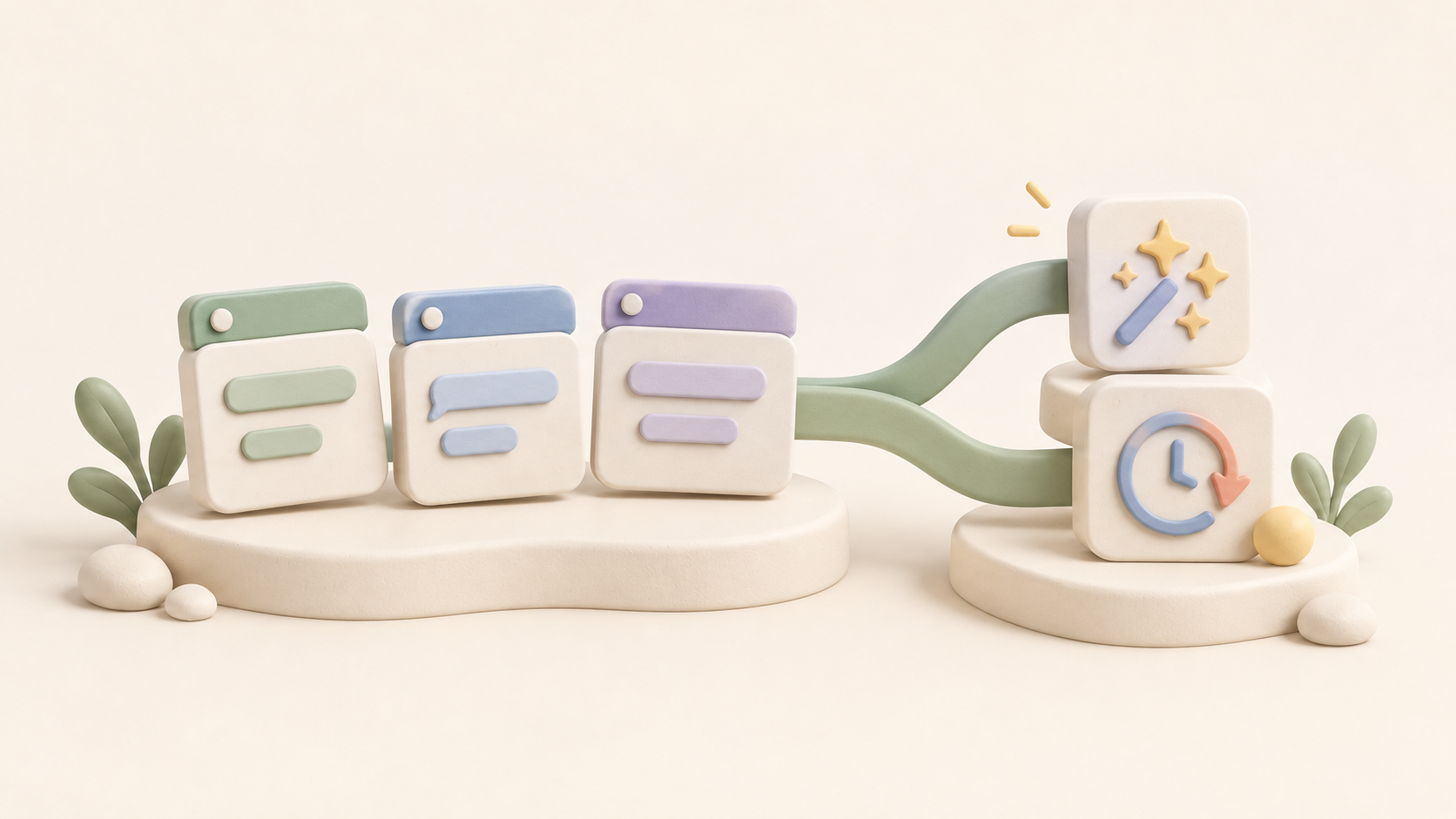
Eigent Release Notes v1.0.7: Split Sessions, Clearer Task Logs & Reusable Work
Eigent v1.0.7 adds split-view Sessions, separate windows, clearer task logs and approvals, reusable Skills and Automations, and more reliable workflows.
 Douglas Lai
What Is the Grok API guidelines Parameter? Custom Content Moderation, Explained
Learn what the Grok API guidelines parameter does, which content categories it supports, how to set it, and the request limits and errors to expect.
Eigent
What Is GPT-6.1 Terra? OpenAI's Cheaper Computer-Use Model
GPT-6.1 Terra is OpenAI's fast, cheaper model for computer use, visual reasoning, and coding. Here's what's new, the pricing, the benchmarks, and how to access it.
Eigent


