




Eigent
Pricing
A cream facade with blue windows refracted through fine vertical glass

AI workspace

  • OverviewSee the whole workspace.
  • Spaces and SessionsKeep each project's files and work together.
  • Skills & ConnectorsTeach agents your way of working. Connect your tools.
  • AutomationsRun Tasks on a schedule or a trigger.
  • Remote ControlCheck in from your browser or phone.
  • Use casesSee real work, finished.

Updates

  • ChangelogCatch up on the latest releases.
  • RoadmapFollow what comes next.
  • WindowsDownload Eigent for Windows.
  • MacDownload Eigent for macOS.
  • LinuxDownload Eigent for Linux.
  • Open SourceInspect, adapt, and make it yours.
  • EnterpriseRoll Eigent out across your company.
Concrete balconies and golden railings refracted through fine vertical glass

Enterprise

  • OverviewAn AI workspace for every team, in your environment.
  • MonitoringSee every run, step by step.
  • GovernanceSet who can build, run, and approve.
  • ControlLimit what agents can reach.
  • Security and trustHow we protect your data.
  • Enterprise servicesWe build it with you, then hand it over to your team.
  • Talk to salesPlan a proof of concept for your company.
A sunlit facade and geometric shadows refracted through fine vertical glass

Environments

  • OverviewTrain and test agents on real work.
  • Environment catalogBrowse 30 categories of environments.
  • Request an environmentTell us what your agents need to learn.
  • AgenticRL-BenchCan agents do agentic RL? See the leaderboard. (opens in a new tab)
  • Env-LabCustom RL environments, training data, and benchmarks for real work. (opens in a new tab)
Weathered window frames refracted through fine vertical glass

Learn

  • DocsGet started and go deeper.
  • BlogIdeas, releases, and stories.
  • SupportFind answers and get help.

Company

  • AboutMeet the people behind Eigent.
  • CareersJoin the team building Eigent.

Community

  • CAMEL-AIThe multi-agent research community behind Eigent. (opens in a new tab)

AI workspace

  • OverviewSee the whole workspace.
  • Spaces and SessionsKeep each project's files and work together.
  • Skills & ConnectorsTeach agents your way of working. Connect your tools.
  • AutomationsRun Tasks on a schedule or a trigger.
  • Remote ControlCheck in from your browser or phone.
  • Use casesSee real work, finished.

Updates

  • ChangelogCatch up on the latest releases.
  • RoadmapFollow what comes next.
  • WindowsDownload Eigent for Windows.
  • MacDownload Eigent for macOS.
  • LinuxDownload Eigent for Linux.
  • Open SourceInspect, adapt, and make it yours.
  • EnterpriseRoll Eigent out across your company.

Enterprise

  • OverviewAn AI workspace for every team, in your environment.
  • MonitoringSee every run, step by step.
  • GovernanceSet who can build, run, and approve.
  • ControlLimit what agents can reach.
  • Security and trustHow we protect your data.
  • Enterprise servicesWe build it with you, then hand it over to your team.
  • Talk to salesPlan a proof of concept for your company.

Environments

  • OverviewTrain and test agents on real work.
  • Environment catalogBrowse 30 categories of environments.
  • Request an environmentTell us what your agents need to learn.
  • AgenticRL-BenchCan agents do agentic RL? See the leaderboard. (opens in a new tab)
  • Env-LabCustom RL environments, training data, and benchmarks for real work. (opens in a new tab)

Learn

  • DocsGet started and go deeper.
  • BlogIdeas, releases, and stories.
  • SupportFind answers and get help.

Company

  • AboutMeet the people behind Eigent.
  • CareersJoin the team building Eigent.

Community

  • CAMEL-AIThe multi-agent research community behind Eigent. (opens in a new tab)
Pricing
TeamApr 10, 2026

Eigent Mobile MCP: Phone Automation for AI Agents

Tao SunTao Sun
·
Douglas LaiDouglas Lai
Eigent Mobile MCP — phone automation with AI agents
Automate Everything with
AI Workforce on Desktop
Download Eigent

Category: Productivity · Mobile · Integration


Mobile MCP brings iPhone and Android apps into the same multi-agent workflows you already run in Eigent. Instead of stopping at the desktop, your AI coworkers can open apps on a connected device, read the screen, tap through UIs, and pass results to tools like Slack—with task splitting and a Mobile Phone Agent handling the phone side. This page walks through a concrete mobile automation example: find a nearby restaurant on the device, then report to a Slack channel, all from one prompt.

Eigent can now control your phone.

With the Mobile MCP integration, Eigent's agents aren't limited to your desktop anymore. They can open apps on a connected iPhone or Android device, navigate the UI, extract information, and act on it — all as part of a single workflow you trigger with one prompt. No manual handoffs, no copy-pasting between screens.

This use case walks through exactly how that works, using a real example: asking Eigent to find a nearby restaurant and report back to a Slack channel — entirely through the phone.


1Connect Your Phone to Eigent

Before you write a single prompt, you need to add Mobile MCP as a tool inside Eigent.

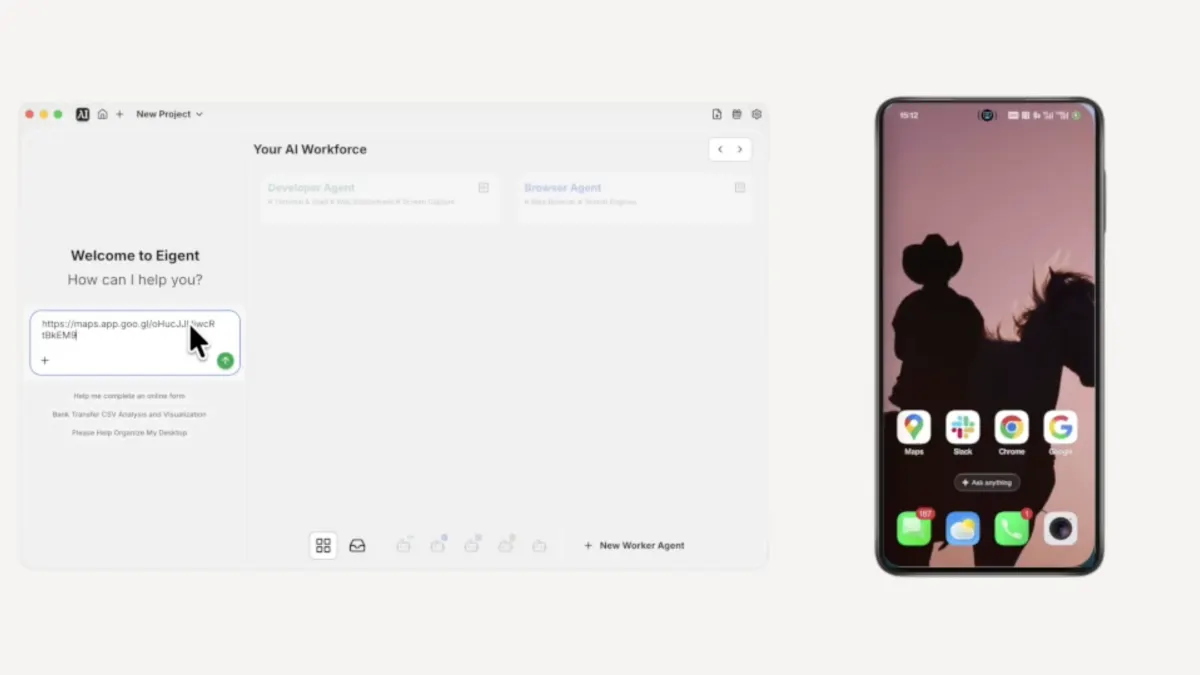
Open Eigent and click Connectors in the top navigation bar. You'll see MCP & Tools in the left sidebar — click it, then select the Your own MCPs tab and click + Add MCP Server. Paste in the following configuration:

{
  "mcpServers": {
    "mobile-mcp": {
      "command": "npx",
      "args": [
        "-y",
        "@mobilenext/mobile-mcp"
      ]
    }
  }
}

Click Install. Once it appears in your Added external servers list, Eigent has access to your connected device — iPhone or Android — and is ready to use it as part of any workflow.

Mobile MCP supports iOS real devices, iOS Simulator, Android real devices, and Android Emulator. The tutorial video uses an Android device, but the same setup works on iOS.


2Write Your Prompt — Just Describe the Outcome

You don't need to tell Eigent which app to open or how to navigate it. Just describe what you want done. Here's the prompt used in this example:

Arrange a team dinner. All tasks must be completed using my mobile phone. For a group of five people, find a nearby restaurant rated 4.5 or higher, then send the restaurant name, address, and rating details to the #team-dinner Slack channel.

That's it. One prompt spanning two devices and two apps.


3Eigent Splits the Task Automatically

Eigent doesn't execute your prompt as one big instruction. It first breaks it down through Task Splitting — identifying the distinct sub-tasks and which agents should handle them.

In this case it recognises two things need to happen: find a restaurant using the phone, then report the result via Slack on the desktop. It assigns the first to the Mobile Phone Agent and coordinates the handoff automatically. You don't configure any of this.


4The Mobile Agent Navigates Your Phone

The Mobile Phone Agent takes control of your connected device using a vision-based approach — it sees the screen the same way you would, and interacts with it through taps and navigation rather than relying on APIs. This works on both iOS and Android.

Here's what it does on the phone:

  • Opens Google Maps
  • Confirms the current location
  • Searches for nearby restaurants and filters for those rated 4.5 or higher
  • Scrolls through the results and selects a qualifying option
  • Taps into the listing to collect the name, address, rating, and other details

The agent is reading and interacting with the real Maps interface — live data, real filters, the same screen you'd use yourself.


5Eigent Reports to Slack

Once the mobile agent has what it needs, Eigent switches context to the desktop without any input from you. It opens Slack, navigates to the correct channel, and posts a formatted message with everything it found — restaurant name, star rating, address, and a Maps link.

The whole cross-device handoff happens inside a single workflow run.


6Review the Completion Report

When the task finishes, Eigent's dashboard displays a Completion Report summarising what happened:

  • Location confirmed on the mobile device
  • Restaurant found matching the criteria
  • Details posted to the Slack channel

This gives you a clear record of every action the agents took, so you can verify the result or adjust the prompt and rerun it.


7Why This Matters

Most agent workflows stop at the desktop. The moment a task requires something on your phone, you're back to doing it yourself.

Mobile MCP removes that boundary. Eigent can now operate any iOS or Android app — not just the ones with a developer API — as part of a larger cross-device workflow. Combined with Eigent's Multi-Agent coordination, this means a single prompt can reach across your desktop, your browser, your integrations, and now your phone.

The team dinner example is deliberately simple. The same capability applies anywhere you'd normally have to pick up your phone mid-workflow.


8What to Try Next

Once Mobile MCP is connected, try prompts that span your phone and your desktop tools:

  • Search for a venue on Google Maps and add it directly to Google Calendar.
  • Check a mobile-only app for information and save the output to a Notion page.
  • Use your phone to look something up and have the result summarised in Slack.
  • Run any workflow where the final step is a notification sent to your phone.
  • Combine phone-based research with a document generated by Eigent's Document Agent.

9Tips for Better Results

Specify "use my mobile phone" in the prompt. When a task could be handled by either the browser agent or the mobile agent, telling Eigent which to use makes the routing unambiguous.

Test the connection with a simple task first. Before running a complex workflow, try something like "open Google Maps on my phone and confirm my current location." If the agent can do that, the integration is working.

Pair mobile steps with desktop integrations. Mobile MCP works best as one part of a larger workflow. Combine it with Slack, Notion, Google Calendar, or any other tool already connected to Eigent to build end-to-end automations that move information across all your devices automatically.

Other use cases

Gemini 4 Neon: Turn a One-Page Brief into a Playable 3D Web Game

Gemini 4 Neon: Turn a One-Page Brief into a Playable 3D Web Game

Gemini 4 Neon, working alone in Eigent, turned a one-page written brief into a playable 3D web game in 43 minutes: one offline 2.4 MB HTML file with a living island town, five kinds of weather, day and night, and a five-part rocket delivery game that plays from the title screen to the launch. It set up its own browser to test the game, caught its own failures, and shipped with 69 of 69 self-checks passing.

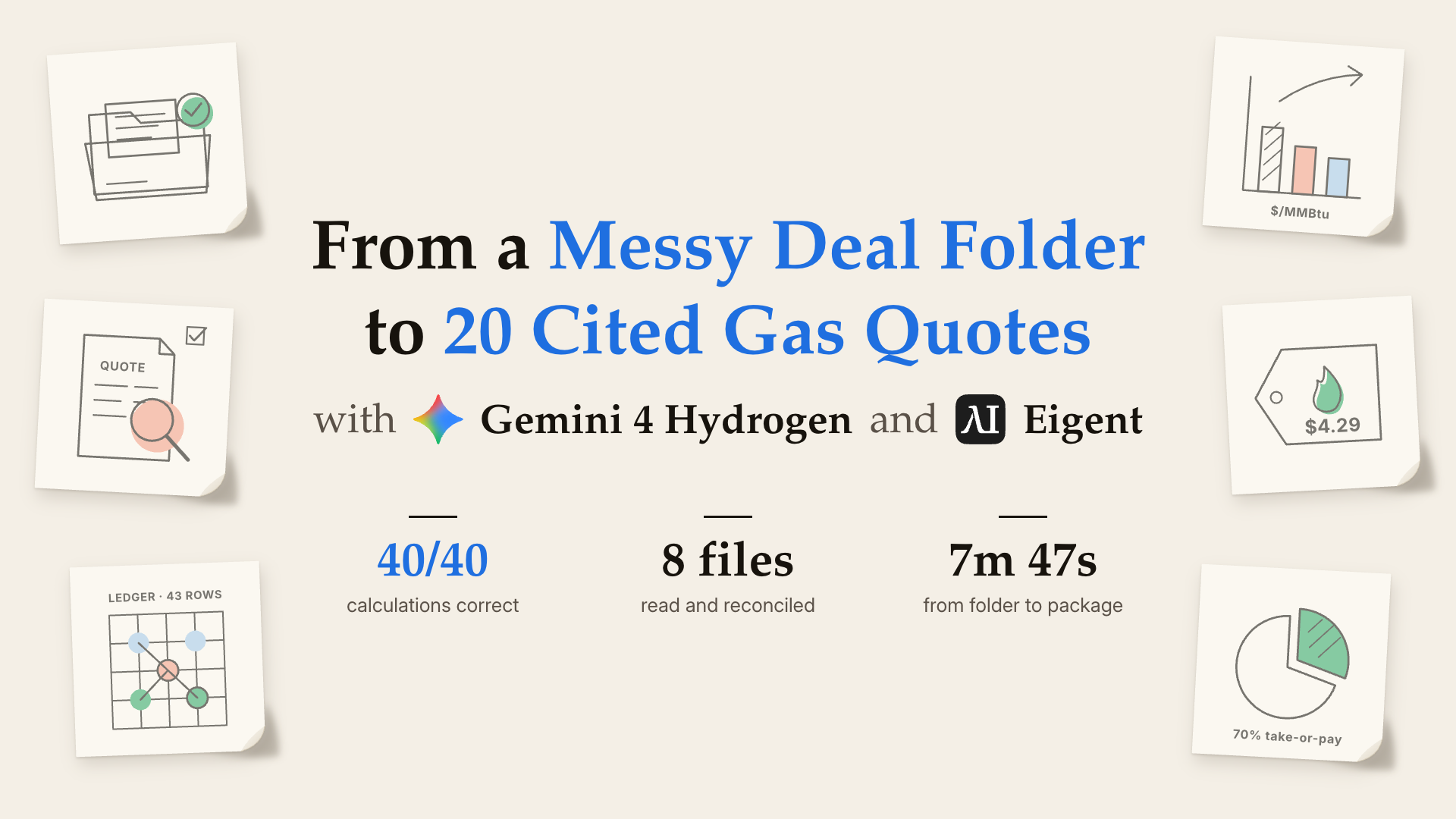
Gemini 4 Hydrogen: Turn a Messy Deal Folder into a Reviewable Gas Pricing Package

Gemini 4 Hydrogen: Turn a Messy Deal Folder into a Reviewable Gas Pricing Package

Gemini 4 Hydrogen, working alone in Eigent with no human input, turned a messy folder of eight deal files into a complete, cited gas pricing package in under 8 minutes: 20 indicative quotes, a pricing sheet and four drafts. Every calculated price was correct to the cent, and because two sources disagreed on a key input, it held every quote for a human decision instead of picking a side.

Gemini 4 Carbon: Rebuild a Drug-Discovery pKa Reference Set from Raw Lab Data

Gemini 4 Carbon: Rebuild a Drug-Discovery pKa Reference Set from Raw Lab Data

Gemini 4 Carbon, working alone in Eigent with no internet and no method hints, turned 97 raw UV-metric titration runs of 35 drug-like compounds into a complete pKa reference set. It decoded the instrument files, fitted the UV spectra, extrapolated methanol–water results to pure water, judged which runs to trust, and delivered the result together with the script that produced it.

Automate everything with AI workforce on desktop
Download Eigent

Try Eigent today

Download the open-source desktop app. Your workspace, running on your machine.

Download Eigent
Eigent

Get the latest updates, tutorials, and releases on AI workforce automation.

Thank you for subscribing!

ProductEigentEnvironmentsPricingEnterprise
ExploreSolutionsUse casesSkillsPluginsBlogChangelog
DevelopersDocsGitHubCAMEL-AIOpen Source FundPartner
DownloadFor open source
CompanyAboutBrandCareersSupportTerms of UsePrivacy PolicySecurity & TrustCookie PolicyRefund & Trial Policy

All rights reserved © 2026 EIGENT UK LTD