
WorkBuddy AI Review (2026): The Tencent AI Agent That Works Like a Real Employee
Multi-agent orchestration, local file access, and deep integrations — Tencent's WorkBuddy takes AI office automation further than any chatbot
 Douglas Lai
Most AI tools hand you a chat box and leave the rest to you. WorkBuddy AI is built on a different premise: give it a goal, and it figures out the plan, runs the right tools, and hands you a finished deliverable — a competitive analysis, a slide deck, a cleaned spreadsheet — without you managing every step.
Developed by Tencent Cloud's CodeBuddy team, WorkBuddy AI is one of the most ambitious AI agent workspaces to come out of the Chinese tech ecosystem. This review covers everything you need to evaluate it: architecture, key features, integrations, real-world use cases, pricing, and who it's actually built for.
What Is WorkBuddy AI?
WorkBuddy AI is an agentic AI workspace designed to handle complex office work end-to-end from a single natural language instruction. Where most AI assistants answer one question at a time, WorkBuddy interprets your goal, builds a multi-step plan, calls the right tools, and returns a ready-to-use output — a market report, a business analysis, a formatted document.
The product sits inside Tencent's broader CodeBuddy developer and productivity platform. It runs both as a desktop agent (with direct access to local files) and as a bot you can message through enterprise chat tools. The core pitch is simple: instead of switching between a chatbot, a research tool, a spreadsheet app, and a document editor, you delegate the entire task to WorkBuddy and collect the result.
How WorkBuddy AI Works: Core Architecture
Multi-Agent Orchestration, Not Single-Turn Chat
The engine behind WorkBuddy is a multi-agent system that decomposes high-level requests into smaller sub-tasks and routes each one to a specialized AI agent. Those agents can run in parallel — so when you ask for a competitive market analysis, one agent is pulling public web data, another is summarizing uploaded reports, and a third is assembling the slide deck, all at the same time.
This parallel architecture is what separates WorkBuddy from a chatbot. The result feels less like a conversation and more like briefing a small, coordinated team.
Local Desktop Execution and Multimodal Inputs
Tencent's desktop implementation gives WorkBuddy direct access to your local machine. That means it can process on-device files — cleaning Excel spreadsheets, reorganizing folders, generating reports from local documents — without requiring you to upload everything to a cloud drive first.
WorkBuddy also handles multimodal inputs: feed it a folder of PDFs, a spreadsheet, and a URL, and it can synthesize across all three in a single workflow.
Model Routing and MCP-Style Tooling
Under the hood, WorkBuddy supports routing across multiple large language models via API, and its tool integration layer works similarly to the Model Context Protocol (MCP) pattern — pluggable tools and data sources that agents can call on demand. Teams can select different models for different task types, balancing cost, latency, and output quality.
This multi-model layer underpins WorkBuddy's "expert teams and skills" concept: reusable agent skill sets for research, coding, analytics, and more that can be composed into repeatable workflows.
Integrations: Where WorkBuddy Fits in Your Stack
WorkBuddy is designed to sit on top of the tools you already use, acting as a coordination layer rather than a replacement.
Productivity and Developer Tools
WorkBuddy connects to the tools knowledge workers and developers already live in:
- GitHub and Jira — scan repos, summarize tickets, draft status updates
- Notion and Google Drive — read and write documents, create knowledge base entries
- Gmail, Slack, and Discord — send summaries, route notifications, receive task results
A practical example: "Summarize all open Jira tickets for this sprint and draft a Slack update for the team" becomes a single instruction rather than a 20-minute manual task.
Enterprise Messaging Channels
Within Tencent's ecosystem, WorkBuddy integrates with enterprise chat platforms including WeChat Work, Feishu, DingTalk, and QQ. That means you can assign work to the AI agent by sending a message from your phone — no desktop required.
Remote Orchestration via Messaging Apps
WorkBuddy's architecture supports remote task dispatch through Discord, Slack, Telegram, and WeChat. These channels become command consoles: send a high-level instruction, and WorkBuddy runs the workflow in the background and reports back when it's done. For teams that are already living in these tools, this significantly reduces the friction of using an AI agent.
WorkBuddy AI Use Cases: What It Actually Does Well
1. Document and Research Automation
This is where WorkBuddy demonstrates its clearest advantage over a standard chatbot. In documented demos, users upload multiple industry research reports and ask WorkBuddy to extract key trends and generate an executive summary. The agent reads all the files, synthesizes the content, and returns a structured report — no manual copy-pasting, no step-by-step prompting required.
Common document workflows include:
- Summarizing lengthy PDFs, reports, or slide decks
- Comparing multiple documents and surfacing differences or trends
- Generating executive briefings, project outlines, or presentation drafts
2. Data Cleaning and Spreadsheet Automation
WorkBuddy's local desktop access makes it genuinely useful for Excel and CSV work. Describe the transformation you want in plain language — deduplicate rows, standardize date formats, merge two sheets by a common key — and WorkBuddy executes it directly on your file. For analysts and operations teams drowning in messy data, this alone can justify the tool.
3. Market Research and Competitive Analysis
WorkBuddy's multi-agent system is well-suited to research tasks that normally require pulling from multiple sources. Give it a competitor name and a research brief, and it can gather public web data, extract product positioning and pricing, and produce a comparative table or SWOT analysis. What would take a junior analyst half a day can be delegated to a single instruction.
4. Content Generation and Marketing Operations
WorkBuddy can combine web research, document analysis, and writing to produce content assets: blog outlines, email drafts, campaign briefs. At the team level, connecting WorkBuddy to CRM or analytics tools opens up use cases like automatically generating weekly performance summaries or drafting outreach emails from contact data.
WorkBuddy AI Pricing and Plans
International Pricing
For users outside Tencent's domestic ecosystem, third-party directories list three tiers:
| Plan | Price | Best For |
|---|---|---|
| Free | $0 | Individual testing, limited usage |
| Pro | ~$9.95/month | Extended personal use |
| Team | ~$40/seat/month | Multi-user teams with collaboration needs |
These figures come from directory aggregators rather than a centralized English pricing page. Verify current pricing directly on WorkBuddy's official site before purchasing.
Tencent Cloud / CodeBuddy Pricing (RMB)
Within Tencent's platform, pricing is credit-based and broken into three tiers:
| Edition | Price | Credits Included |
|---|---|---|
| Personal Professional | 58 RMB/person/month | 2,000 credits/month |
| SaaS Enterprise (Flagship) | 198 RMB/person/month | 2,000 credits/seat, shared |
| Dedicated Cloud Enterprise | 316 RMB/person/month | 2,000 credits/user, shared |
Additional credit packages are available for purchase. Tencent adjusted pricing in May 2026 — check Tencent Cloud's official announcement page for the most current rates and any active promotions.
WorkBuddy AI vs. Alternatives: How It Stacks Up
vs. Generic AI Chatbots (ChatGPT, Claude, Gemini)
Standard AI chatbots excel at answering questions and generating text, but they leave workflow orchestration to the user. WorkBuddy's multi-agent architecture handles that orchestration automatically: it builds the plan, decides which tools to call, and assembles the final output. If your task requires more than one step, WorkBuddy's design is fundamentally better suited to it.
vs. No-Code Automation Platforms (Zapier, Make)
No-code automation tools are powerful but require you to design every workflow explicitly — each trigger, each action, each condition. WorkBuddy infers the workflow from your natural language instruction, dynamically composing tool calls based on the goal rather than a pre-built recipe. The trade-off: less predictability for complex processes, but dramatically lower setup time for new tasks.
vs. AI Coding Agents (Cursor, GitHub Copilot)
WorkBuddy is not primarily a coding tool, though it supports coding tasks through GitHub integration and agent skills. Its strength is in office knowledge work — documents, spreadsheets, research, communications — rather than code generation and debugging.
Pros and Cons of WorkBuddy AI
What Works Well
- Genuine multi-agent orchestration — parallel sub-tasks make it feel like a coordinated team, not a single assistant
- Local file access — on-device processing for spreadsheets and documents without mandatory cloud uploads
- Broad ecosystem integrations — GitHub, Jira, Notion, Google Drive, Slack, and major enterprise chat platforms
- Multi-model flexibility — route different tasks to different LLMs based on cost and performance requirements
What to Watch Out For
- Regional fragmentation — pricing, documentation, and some features are optimized for the Chinese market; international experience may lag
- Technical setup for advanced use — model routing, custom tool connections, and MCP-style integrations can require IT involvement
- Verification burden — as with any AI agent system, outputs should be reviewed before being sent externally or used in decisions
Who Should Use WorkBuddy AI?
WorkBuddy is the right tool if you frequently deal with multi-step tasks that cross tool boundaries — and you'd rather delegate the coordination than manage it yourself.
Strong fit:
- Product managers and founders running recurring competitive research cycles
- Analysts and operations teams with ongoing Excel and reporting work
- Knowledge workers in Tencent-ecosystem companies who can access WorkBuddy via WeChat Work or Feishu without any desktop setup
Weaker fit:
- Users whose AI needs are primarily conversational or single-step
- Teams in heavily regulated industries with strict data residency requirements (verify Tencent's compliance posture first)
- International teams looking for a fully English-documented, Western-hosted product
How to Get Started With WorkBuddy AI
Getting up and running is straightforward:
- Sign up and choose a plan — start with the free tier to evaluate core capabilities before committing
- Install the desktop client or connect via bot — desktop gives you local file access; enterprise chat integration lets you assign tasks from your phone
- Connect the tools you already use — GitHub, Jira, Notion, Google Drive, Slack, or Discord
- Start with a real task, not a toy prompt — good first tasks include "Analyze these five competitor websites and produce a comparison table" or "Clean and merge these three sales spreadsheets into a single analysis-ready file"
- Build reusable skills and workflows — as you learn how WorkBuddy handles specific task types, save the best-performing instructions as templates for your team
Frequently Asked Questions
Is WorkBuddy AI secure for sensitive business data?
WorkBuddy's desktop implementation runs locally on your machine, which means sensitive documents don't have to leave your environment. For enterprise deployments, Tencent offers dedicated cloud configurations. Security posture ultimately depends on your organization's configuration of model providers, integrations, and access controls — review Tencent's enterprise security documentation against your internal requirements.
Does WorkBuddy AI replace human employees?
No. WorkBuddy is a force multiplier: it handles the repetitive, time-consuming parts of complex tasks — data gathering, file processing, drafting — so people can focus on judgment, strategy, and decisions that require human context. Think of it as a capable, fast junior colleague, not a headcount replacement.
Is Tencent WorkBuddy the same as the WorkBuddy Chrome extension?
No. There is a separate Chrome extension also named "WorkBuddy" that focuses on website blocking and focus management — it has nothing to do with Tencent's AI agent platform. When searching, installing, or subscribing, confirm you are looking at Tencent WorkBuddy (the AI agent workspace built by CodeBuddy) and not the unrelated browser extension.
Bottom Line
WorkBuddy AI is a credible, production-ready AI agent workspace from one of the world's largest tech companies. Its multi-agent architecture, local file access, and broad integration footprint put it ahead of generic chatbots for anyone dealing with complex, multi-step knowledge work.
The main caveats are regional: documentation, pricing transparency, and some feature depth still favor users within Tencent's ecosystem. International teams should pilot it carefully and verify current support for their specific tool stack before rolling it out.
If you regularly delegate research, document processing, or analysis tasks — and you want an AI that handles the full job rather than just the first step — WorkBuddy AI is worth serious evaluation.
Recent Posts
Meta Muse: The Personal AI Agent That Books, Buys, and Negotiates
Meta Muse is a personal AI agent that books travel, buys things, and negotiates bills from a chat. Here's what it does, pricing, security, and how it compares.
 Eigent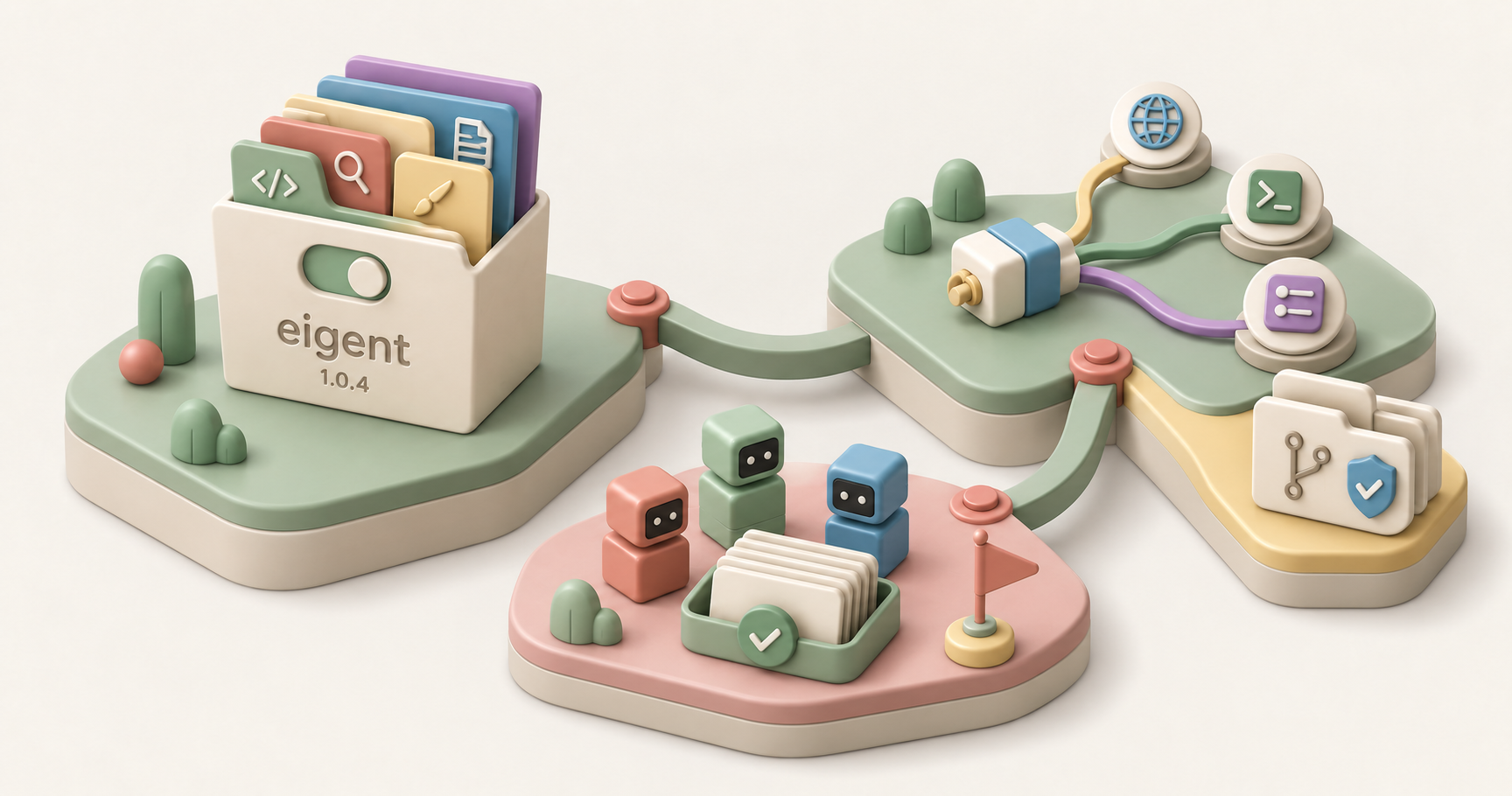
Eigent Release Notes v1.0.4: Skills & Connectors Dashboards, Durable Multi-Turn Runs
Eigent v1.0.4 rebuilds Skills and Connectors as management dashboards and strengthens multi-turn agent work, workspace checkpoints, and connector states.
Douglas Lai
Claude Fable 5.1 and Mythos 5.1: What's New, Explained
Claude Fable 5.1 and Mythos 5.1 explained: the same model in two safeguard tiers, with new benchmarks, roughly 25 to 45 percent lower cost, and access details.
Eigent


