From One Prompt to a Four-Shot Blender Cinematic
A twelve-second shot sequence sounds small. In Blender, it's a lot of work - staging, keyframes, camera moves, depth of field, and a sheet of paper that has to bend like paper, not like cloth. Most of that happens one click at a time in the viewport.
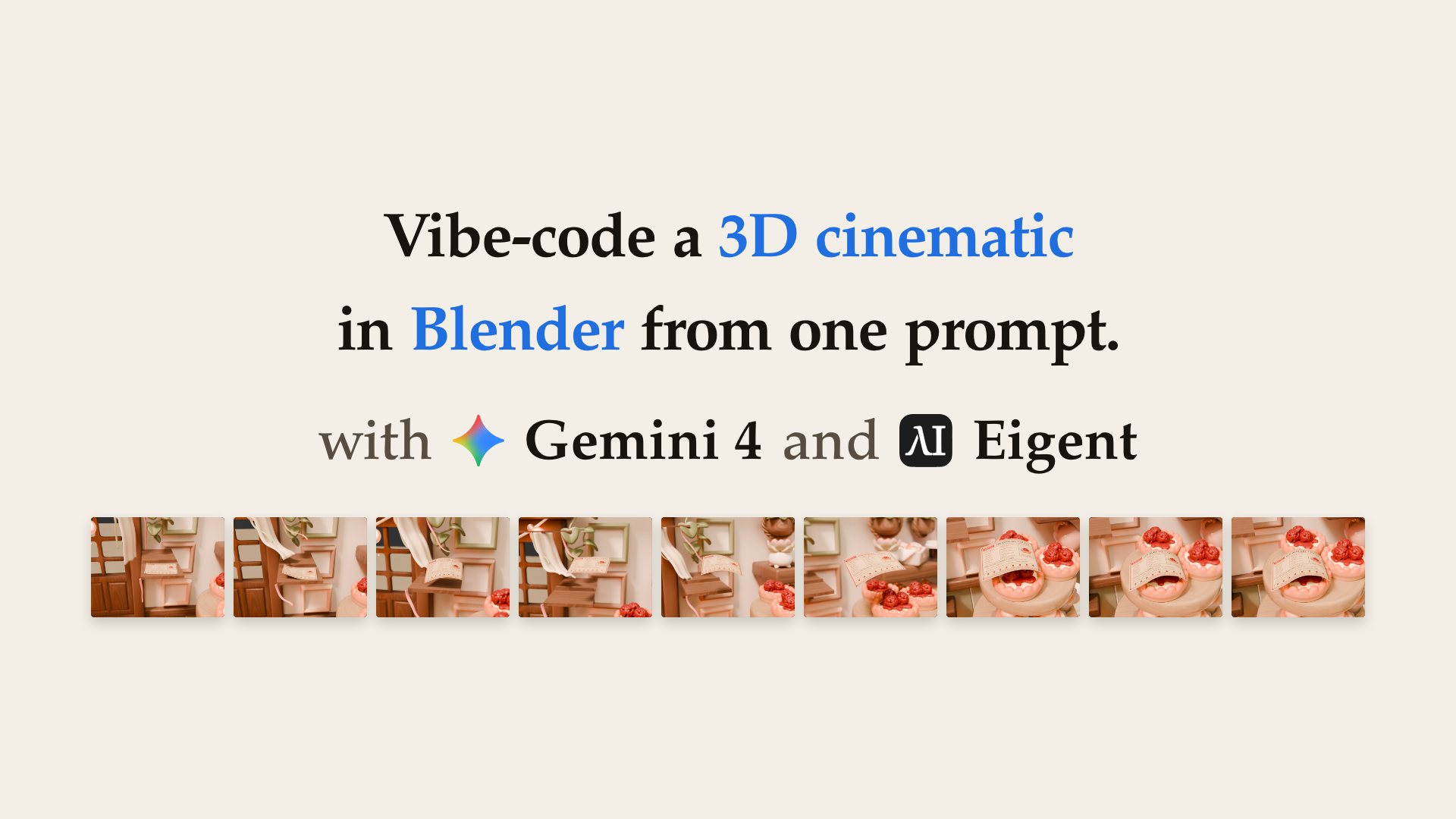
So we gave the whole job to an agent. With Gemini 4 in Eigent, one prompt turned the Cozy Kitchen scene into a four-shot cinematic. A draught lifts a recipe page off its stand, carries it across the kitchen, and drapes it over a strawberry tartlet. Gemini 4 never opened the Blender window. It wrote Blender Python, ran it headless, checked its own work, and fixed what it found.
The Full Workflow at a Glance
You bring the scene and the brief. Gemini 4 does the rest from the command line. Every stage leaves a file behind, so you can check the work at each step.
| Stage | What happens | What you get |
|---|---|---|
| Read | Open the scene headless and load the task data | A test render of the page's start point |
| Stage | Add a recipe stand, a curtain rod, and wind clues | A set where the draught has a visible source |
| Build | Model and texture the recipe page | RecipePage, a thin two-sided sheet with a painted recipe card |
| Animate | Fit a path through the corridor and a drape over the tartlet | Smooth flight and a supported resting fold |
| Shoot | Place four cameras and bind them to the cuts | A four-shot edit with depth of field in shots 2 and 3 |
| Verify | Measure every rule in the brief and patch what fails | A re-runnable check script in work/ |
| Hand off | Render stills and the storyboard, write the shot list | sequence.blend, shotlist.csv, storyboard.png, and nine stills |
Here's how to do it yourself, step by step - including one thing we'd set up differently next time.
What You'll End Up With
- An editable Blender project -
sequence.blend, 13 MB, with every image packed and no linked libraries. Open it and keep working. - A shot list -
shotlist.csv, one row per shot, with frame range, camera, and action. - A storyboard -
storyboard.png, nine labelled 640×480 panels in a 3×3 grid. - Nine stills - frames 1, 48, 73, 120, 145, 192, 217, 264, and 288.
- A video and a preview page -
sequence.mp4andpreview.html, from one short follow-up request.
Before You Start
- Eigent installed on your machine.
- Gemini 4 - through Eigent Cloud, or with your own Gemini API key.
- Blender on the same machine. Gemini 4 drives it from the command line, so it never needs the window. We had Blender 5.2 LTS installed. The task also ships a Docker image that pins
bpy5.2.2, if you'd rather sandbox it. - The task package. Ours is the "recipe-page mishap" from our 3D coding environments:
| File | What it gives the agent |
|---|---|
PROMPT.md | The brief - the only message you send |
agent_environment/input/kitchen.blend | The prepared Cozy Kitchen scene |
agent_environment/input/subjects.json | Which objects make up the strawberry tartlet |
agent_environment/input/action.json | The page's start point and its flight corridor at frames 120, 168, and 192 |
agent_environment/input/presentation.json | Still and storyboard settings |
agent_environment/input/source_overview.png | A preview of the untouched scene |
agent_environment/scripts/ | presentation.py (renders stills and the storyboard) and review.py |
Select Gemini 4
On Eigent Cloud - no API key needed:
- On the home screen, open the model picker under the input box.
- Under Eigent, choose Gemini 4 Argon.
With your own Gemini API key:
- Open Settings → Models.
- Find Gemini and open its settings.
- Paste your API key.
- Set the model type to
gemini-4-argon. - Click Save, then pick it under Gemini in the model picker.
The default thinking effort works. We ran it as a Single Agent with Full access, so it could run Blender and write files without stopping to ask.
Set Up the Project Folder
Create a project in Eigent and point it at a folder that holds two things:
showcase-kitchen-draught/
  PROMPT.md
  agent_environment/
    input/      # kitchen.blend, subjects.json, action.json, presentation.json, source_overview.png
    scripts/    # presentation.py, review.py
Keep everything else out - especially any grader, reference runs, or notes about past results. More on why below.
Paste the Prompt
Copy the brief below into the Cowork with input box and send it unchanged.
Animate the recipe-page mishap

Create a twelve-second cinematic in /app/input/kitchen.blend: a draught lifts a recipe page, carries it across the work area and leaves it draped on the strawberry tartlet identified in /app/input/subjects.json. Preserve the warm illustrated kitchen. Show the calm setup, motivated lift, flight, contact and settling through four connected shots, with visible, consistent wind clues and readable page motion.

## Action and photography

- Scene Sequence runs at 24 fps, frames 1–288, with camera-bound cuts at 1, 73, 145 and 217. Preserve visible source surfaces, material identity and world transforms within 2 mm; keep existing set pieces visible. Add the page, wind clues and staging as needed.
- RecipePage is an editable thin two-sided sheet, 0.13–0.17 m long and 0.09–0.12 m wide, with 100–12,000 native vertices, finite UVs and readable recipe marks.
- Use /app/input/action.json for the start plane and flight corridor. At frame 1, the page is within 10 mm of the start plane and its centroid within 20 mm of the start point. Through frame 48 the centroid stays within 8 mm of its initial pose; by 120 it moves at least 0.10 m. At frames 120, 168 and 192 it follows the corridor within 35 mm.
- Page centroid motion is at most 16 mm per frame, with successive displacement changes at most 5 mm. After best rigid alignment with frame 1, shape deformation is at least 4 mm RMS at one flight frame and 2 mm RMS at rest. Show convincing paper flutter, stiffness and supported contact folds, without penetration or stretched print.
- Throughout frames 241–288, at least 15% of page surface samples are within 8 mm of the actual selected strawberry-tartlet surface. Centroid variation over 264–288 is at most 3 mm; surface motion from 276 to 288 is at most 4 mm.
- Use four distinct cameras. Shot 1 may be orthographic; shots 2–4 use 35–85 mm perspective lenses. Shots 2 and 3 use depth of field focused within 25 mm of the page centroid at each shot's start, midpoint and end.
- At frames 120, 168, 192 and 264, frame the page in front of the active camera within the central 80%, with projected height 8–65% of the image. Within shots, camera motion is at most 25 mm and 4° per frame, with translation changes at most 8 mm; cuts are exempt.
- Compose purposeful shots with coherent screen direction, controlled focus, anticipation and a clear final reveal. Avoid disconnected poses, arbitrary camera moves or unreadable action.

## Handoff

Save sequence.blend, shotlist.csv, storyboard.png and stills/frame_NNN.png for frames 1, 48, 73, 120, 145, 192, 217, 264 and 288 in /app/output. The CSV columns are shot,start,end,camera,action, matching the native four-shot edit. Use labelled 640×480 panels in a 3×3 storyboard. Stills and storyboard match the saved scene under /app/scripts/presentation.py CPU settings with luminance SSIM ≥0.93; use that helper or equivalent images.

Keep the native project editable and below 192 MiB, with finite nondegenerate geometry, all used material/world images packed and no linked libraries. It must replay with Python auto-execution disabled; native constraints and ordinary driver expressions are allowed. Keep /app/input unchanged; use /app/work for work files. Blender Python, headless rendering and command-line tools are available.
The prompt was written for a Docker container, so its paths start with /app. Running on our Mac, Gemini 4 mapped them to the project folder by itself - agent_environment/input, work/, and output/.
A few parts of this brief do the heavy lifting:
- Numbers instead of adjectives. "Make it cinematic" is a mood. "Within 35 mm of the corridor at frame 168" is a target the agent can measure - and hit.
- Story beats, not just rules. Calm setup, motivated lift, flight, contact, settling. The numbers keep the motion honest - the beats keep it a story.
- Preserve the kitchen. Source objects stay within 2 mm, with their materials intact. The agent adds to the scene - it doesn't rebuild it.
- A real handoff. A packed, editable
.blendthat replays with Python auto-execution off. That's a file you can open tomorrow and keep animating.
Let Your Agent Work
Send the prompt. Gemini 4 plans the task, then works through it in Blender Python. Our run took about 50 minutes, from the first file read to the final self-audit. Here's what it built, in order:
- Read the scene. It opened
kitchen.blendheadless, loaded the tartlet and corridor data, and rendered a test view of the start point. - Staged the set. A small wooden recipe stand under the start point, and a curtain rod across the kitchen window.
- Added wind clues. A curtain sash, satin ribbons, and a tag on the stand - all billowing the same way, so the draught has a visible source.
- Made the page.
RecipePageis 0.136 × 0.094 m with 1,218 vertices, two-sided, with a recipe card it painted itself - "Recipe No. 14, Strawberry Tartlet". The chef's notes end with a line we didn't ask for: "Keep recipe cards away from open kitchen window draughts!" - Planned the motion. A smooth path through the corridor checkpoints, then a resting drape fitted to the tartlet's actual surface.
- Placed four cameras. 42 mm for the calm setup, 48 mm with f/5.6 depth of field for the lift, a 52 mm tracking shot for the flight, and a 58 mm hero shot for the landing. Timeline markers bind each camera to its cut at frames 1, 73, 145, and 217.
- Checked its own work. It wrote a verification script for every measurable rule in the brief, ran it, and patched what it found. The printed side of the page was tilting away from camera, so it flipped the pitch. It added pleats to the curtain, nudged the resting page away from the neighbouring tartlets, and raised the final camera for a cleaner reveal.
- Handed off. It rendered the stills and storyboard with
presentation.py, wroteshotlist.csv, and ran a final audit - every source object present, unmoved, and with its original materials.
Read the Shot List
Open output/shotlist.csv - four shots, one per camera:
| Shot | Frames | Camera | Action |
|---|---|---|---|
| 1 | 1–72 | Cam_Shot1 | Calm setup on the wooden recipe stand as window ribbons billow in the incoming draught and lift the recipe page |
| 2 | 73–144 | Cam_Shot2 | Draught carries the fluttering recipe page upward from the stand into the high flight corridor |
| 3 | 145–216 | Cam_Shot3 | Page swoops across the kitchen work area and glides toward the two-tiered pastry stand |
| 4 | 217–288 | Cam_Shot4 | Page touches down and settles in a stiff supported arch draped over the strawberry tartlet |
Then open storyboard.png. Nine frames tell the whole story at a glance - the page at rest, lifting off, crossing the kitchen, and settling over the tartlet.
Check the Numbers
Gemini 4's verification script stays in work/, so you can re-run it on the saved project any time. Here's what it measured on our final sequence.blend:
| Check | Brief asks for | Result |
|---|---|---|
| Start point at frame 1 | within 20 mm | 1.03 mm |
| Calm hold through frame 48 | at most 8 mm drift | 6.69 mm |
| Distance travelled by frame 120 | at least 0.10 m | 0.152 m |
| Flight corridor at frames 120, 168, 192 | within 35 mm | 0.00 mm |
| Page speed | at most 16 mm per frame | 9.35 mm |
| Flutter during flight | at least 4 mm RMS | 11.07 mm |
| Contact with the tartlet, frames 241–288 | at least 15% of the page | 22.9% |
| Page passing through the tartlet | none | 0 overlapping triangles |
| Settling, frames 264–288 | at most 3 mm | 0.37 mm |
| Depth-of-field focus, shots 2 and 3 | within 25 mm of the page | 0.19 mm or less |
| Fastest camera turn | at most 4° per frame | 0.71° |
These are the agent's own checks against the brief. The task package also includes a separate grader - 23 measured rules plus a visual judge that scores story, craft, and paper finish. If you want an official score, run grader/grade.sh on the output yourself once the run is done - from outside the agent's folder.
Watch It Play
The brief asks for a Blender project, not a video. So we sent one follow-up message in the same project, asking Gemini 4 to export the sequence as an MP4 with a browser preview.
It came back with sequence.mp4 - 288 frames, 640×480 H.264, 3 MB - and preview.html. The preview page plays the cinematic with a live frame readout, one-click jumps to each of the four shots, and the full storyboard underneath.
What We'd Set Up Differently
Our project folder held more than the agent needed. Alongside PROMPT.md and agent_environment/, it also had the task's README.md, its grader/, and its reference_runs/ from earlier models.
That matters. Gemini 4's check script tests the page's print against a 5% stretch limit. That number isn't in the prompt - it's in the README, next to notes on how earlier runs failed. Gemini 4's scripts never read the grader or the reference runs, but it's fair to assume the README shaped its targets.
So treat our run as a showcase, not a benchmark score. For a fair test, give your agent exactly two things - PROMPT.md and agent_environment/ - and keep the grader somewhere it can't see.
Make It Your Own
The same pattern works for any Blender scene:
- Turn taste into numbers. Framing, speeds, focus distances, contact. Measurable targets let your agent check itself before you ever press play.
- Give it a corridor. A few checkpoints in a JSON file steer the action without hand-keying a single frame.
- Ask for a real handoff. A packed, editable
.blend, a shot list, and a storyboard. You get a project you can keep working on - not just a render. - Let it verify. The best moment in our run was Gemini 4 noticing the printed side of its page faced away from camera - and fixing it before we ever saw it.
Twelve seconds of animation used to mean an afternoon in the viewport. Now it's one prompt - and a project you can open, tweak, and make yours.
Credits: built with Gemini 4 and Eigent. Scene: "Cozy Kitchen" (Blender 3.5 splash) by Nicole Morena, CC-BY-SA - the derived scene and renders keep the attribution and ShareAlike terms. Brief and task data: original Eigent work. Music: "Quirk n Twerk" by The Soundlings (YouTube Audio Library).