

A quick update on free credits

We’ve temporarily paused free credits for new accounts while we address recent misuse. Thank you for your patience and understanding.

logo
  • Environments
  • Enterprise
  • Pricing
PersonalJul 20, 2025

Organize Desktop Files

Wendong FanWendong Fan
Organize Desktop Files
Automate Everything with
AI Workforce on Desktop
Download Eigent

Clean Up Your Desktop in Seconds

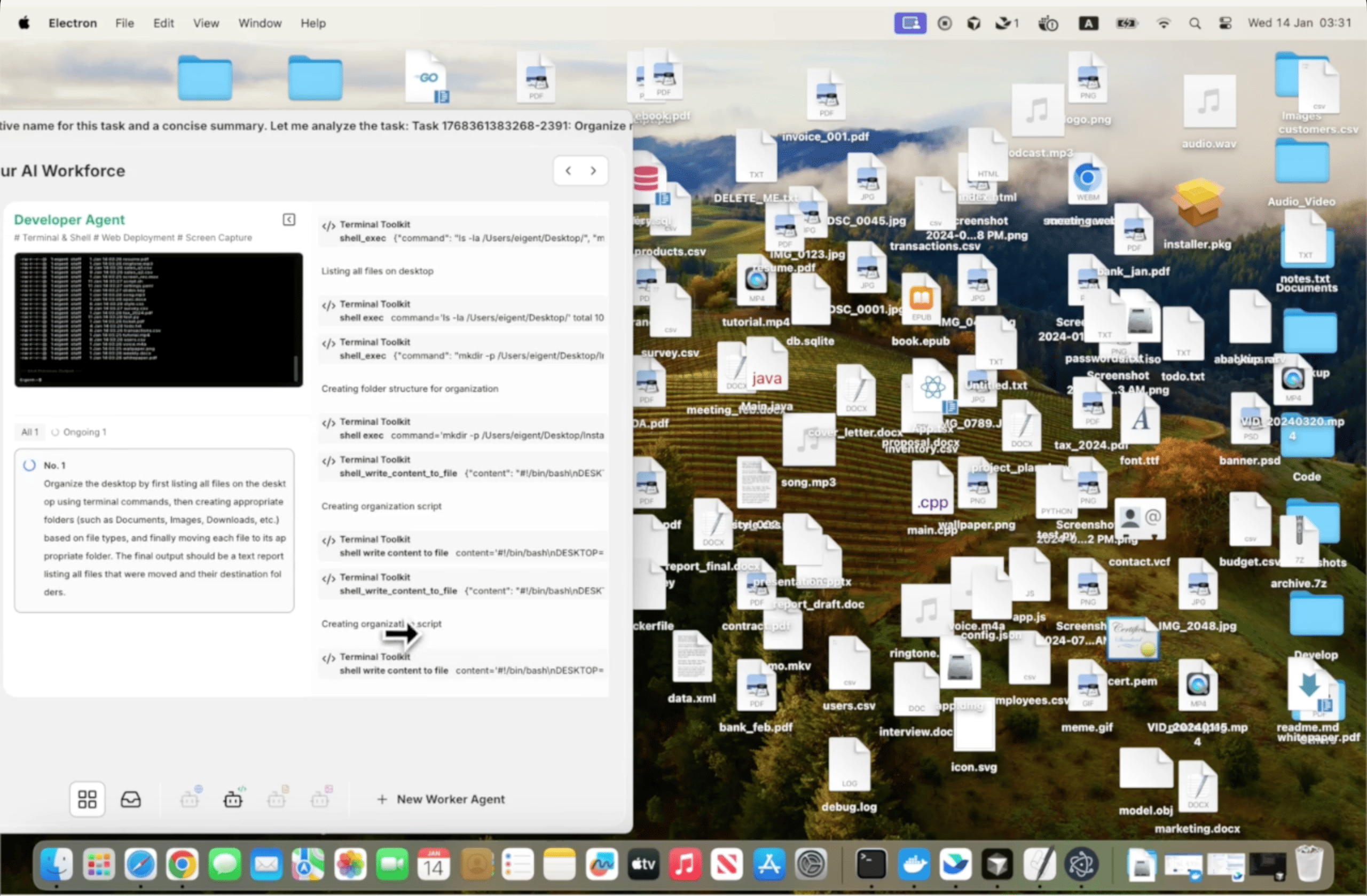
A messy desktop is a universal problem. Screenshots, downloads, half-finished documents, installer files — they accumulate faster than anyone clears them, and reorganizing them manually means opening Finder or Explorer and doing a lot of dragging and deciding. Eigent does it for you with a single prompt.

1Open Eigent and Describe the Task

You don't need a detailed prompt for this one. The simplest version works:

Help me organise my desktop.

Eigent will assess what's on your desktop, infer sensible categories based on file types and names, and propose an organization structure before making any changes.

2Eigent Audits Your Desktop

Before moving anything, Eigent takes stock of what's there. It looks at file types, creation dates, and filenames to understand what kind of clutter you're dealing with. Common categories it identifies include:

  • Screenshots and images
  • Downloaded installers and archived files
  • Documents, PDFs, and spreadsheets
  • Code files and project folders
  • Temporary files or unidentified items

3Files Get Sorted Into Folders

Eigent creates subfolders and moves files into them based on category. The folder structure is intuitive — things like "Screenshots", "Documents", "Installers", and "Archives" — so you can find everything again easily even if you didn't design the system yourself.

If you want to customize the categories, include that in the prompt:

Help me organise my desktop. Put all screenshots in a folder called "Captures", all PDFs in "Reading", and move everything older than 3 months into an "Archive" folder.

4Review What Moved

Once the task is complete, Eigent reports what it did — which files were moved, what folders were created, and whether anything was left in place because it was unclear. You can review the result and ask Eigent to adjust:

Move the project files you put in "Documents" into a separate folder called "Projects" instead.

5Why This Matters

This is the simplest possible version of a workflow automation: one prompt, one task, done. But it demonstrates something important — you don't need to describe every step of what you want Eigent to do. Saying "help me organise my desktop" is enough for Eigent to understand the intent, assess the situation, and execute the work. That same principle scales to far more complex tasks.

6What to Try Next

Organize my Downloads folder the same way.

Sort the files on my desktop by project and create a folder for each one.

Archive everything on my desktop that I haven't opened in the past 30 days.

After organizing, tell me the five largest files on my desktop so I can decide whether to keep them.

7Tips for Better Results

  • Add preferences if you have them. "Keep any files that have 'final' in the name on the desktop" or "don't touch the folder named 'Active Projects'" gives Eigent guardrails that match your actual workflow.

  • Run it regularly. Desktop organization is something that needs to happen repeatedly, not once. Once you've established the folder structure you like, re-running the same prompt keeps things tidy over time.

  • Ask for a summary report. Adding "after you're done, tell me what you moved and where" means you have a clear record of the changes in case you need to find something.

Other use cases

Gemini 4: Vibe-Code a 3D Cinematic in Blender from One Prompt

Gemini 4: Vibe-Code a 3D Cinematic in Blender from One Prompt

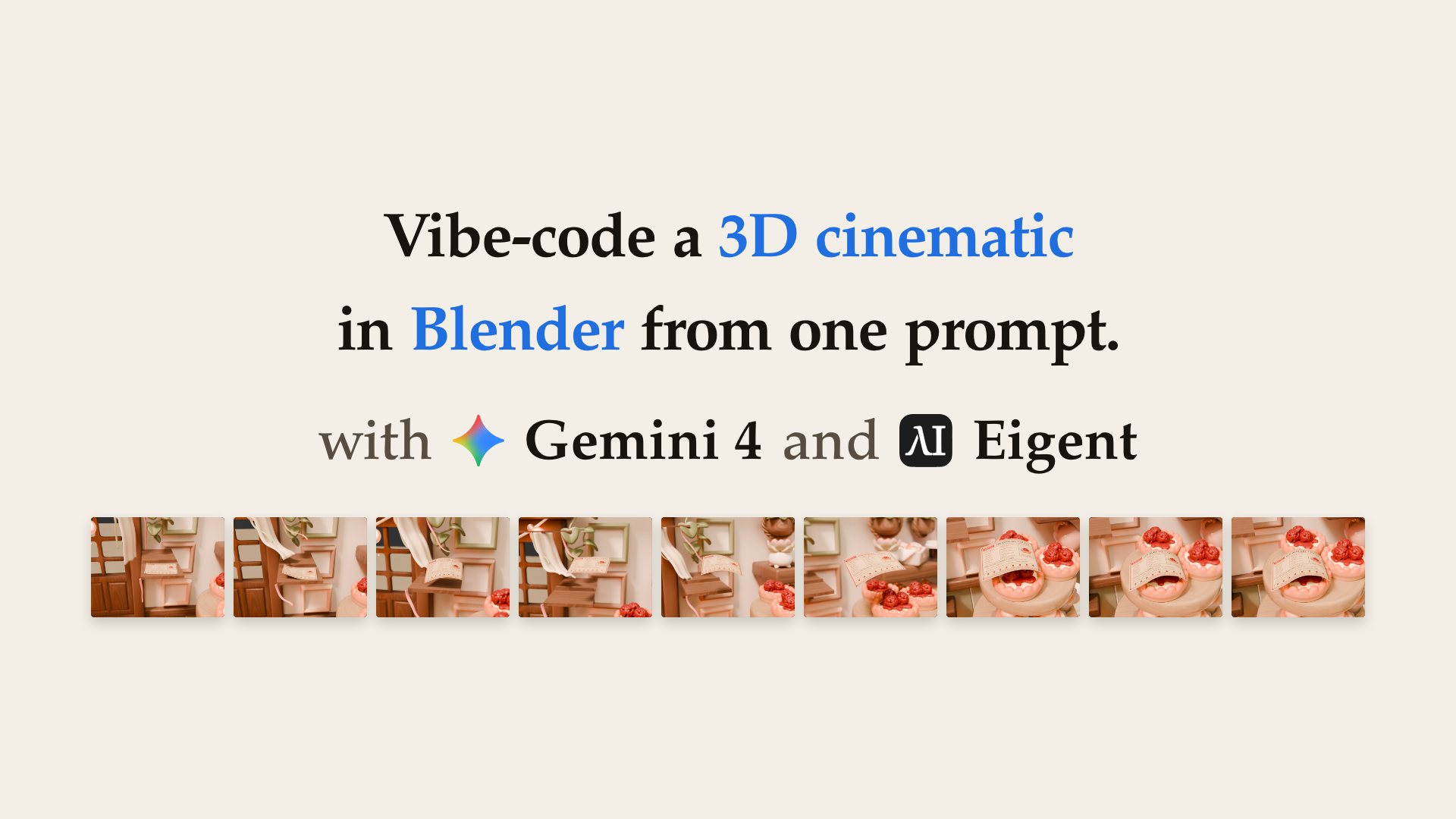
Create a twelve-second, four-shot cinematic in the Cozy Kitchen scene: a draught lifts a recipe page off its stand, carries it across the work area, and leaves it draped on the strawberry tartlet. Preserve the warm illustrated kitchen. Add a thin two-sided RecipePage with readable recipe marks, follow the flight corridor in action.json, and show the calm setup, motivated lift, flight, contact, and settling with visible wind clues. Use four distinct cameras with camera-bound cuts, depth of field in shots 2 and 3, and smooth, measurable page and camera motion. Hand off a packed, editable sequence.blend, a shot list CSV, a labelled 3×3 storyboard, and nine stills.

Gemini 4: Turn Video Tutorials into Production RL Engineering Skills

Gemini 4: Turn Video Tutorials into Production RL Engineering Skills

Watch the listed YouTube talks and turn their methods and insights into 2–4 reusable, file-based agent skills, using only these videos as primary sources. For each talk, build a timestamped outline, record the key insights, results, and warnings, and label every claim OBSERVED, INFERRED, or UPDATED. Give each skill a SKILL.md with a key insights section and a tool-agnostic path, plus an evidence.md. Validate every skill, then publish a light-mode HTML report served from 127.0.0.1 with the talks embedded, clickable timestamps, a comparison of the talks, a coverage matrix that shows gaps, and a clear list of limitations.

Build a CAD Model from Video: Gemini 3.7 Flash vs. 3.6 Flash

Build a CAD Model from Video: Gemini 3.7 Flash vs. 3.6 Flash

Analyze the transformers character in the uploaded reference video and generate a production-ready, highly detailed 3D CAD/mesh model exported as a .glb file. Analyze the character identity and style, joints and articulation, and surface details. Create ultra-high-precision hard-surface mechanical geometry with distinct body and armor pieces separated around logical joint pivot points. Use metallic PBR materials, including anodized metals, brushed steel, dark titanium, high-gloss painted armor, and emissive channels for the eyes, chest core, and joint glow effects. Pack the diffuse, normal, roughness, metallic, and emissive textures directly into the GLB. Ensure clean topology, manifold geometry, and real-time optimization without losing mechanical sharpness.

Automate everything with AI workforce on desktop
Download Eigent

Try Eigent today

Download the open-source desktop app. Your AI workforce, running on your machine.

Download Eigent
Eigent

Get the latest updates, tutorials, and releases on AI workforce automation.

Thank you for subscribing!

ProductEigentEnvironmentsPricingEnterprise
ExploreSolutionsUse CasesSkillsPluginsBlogs
DevelopersDocsGitHubCAMEL-AIOpen Source FundPartner
DownloadFor open source
CompanyAbout UsBrandCareersSupportTerms of UsePrivacy PolicySecurity & TrustCookie PolicyRefund & Trial Policy

All rights reserved © 2026 EIGENT UK LTD
